01
Define your meaning
Is this about faith, reverence, or self-discipline? Decide what the phrase means to you before choosing a style.

AI FEAR GOD TATTOO GENERATOR · LETTERING WITH MEANING
Give two words a shape that feels like yours.
Explore blackletter, flowing script, minimal type, and devotional symbols. Turn a personal conviction into a clear visual starting point for a tattoo artist.
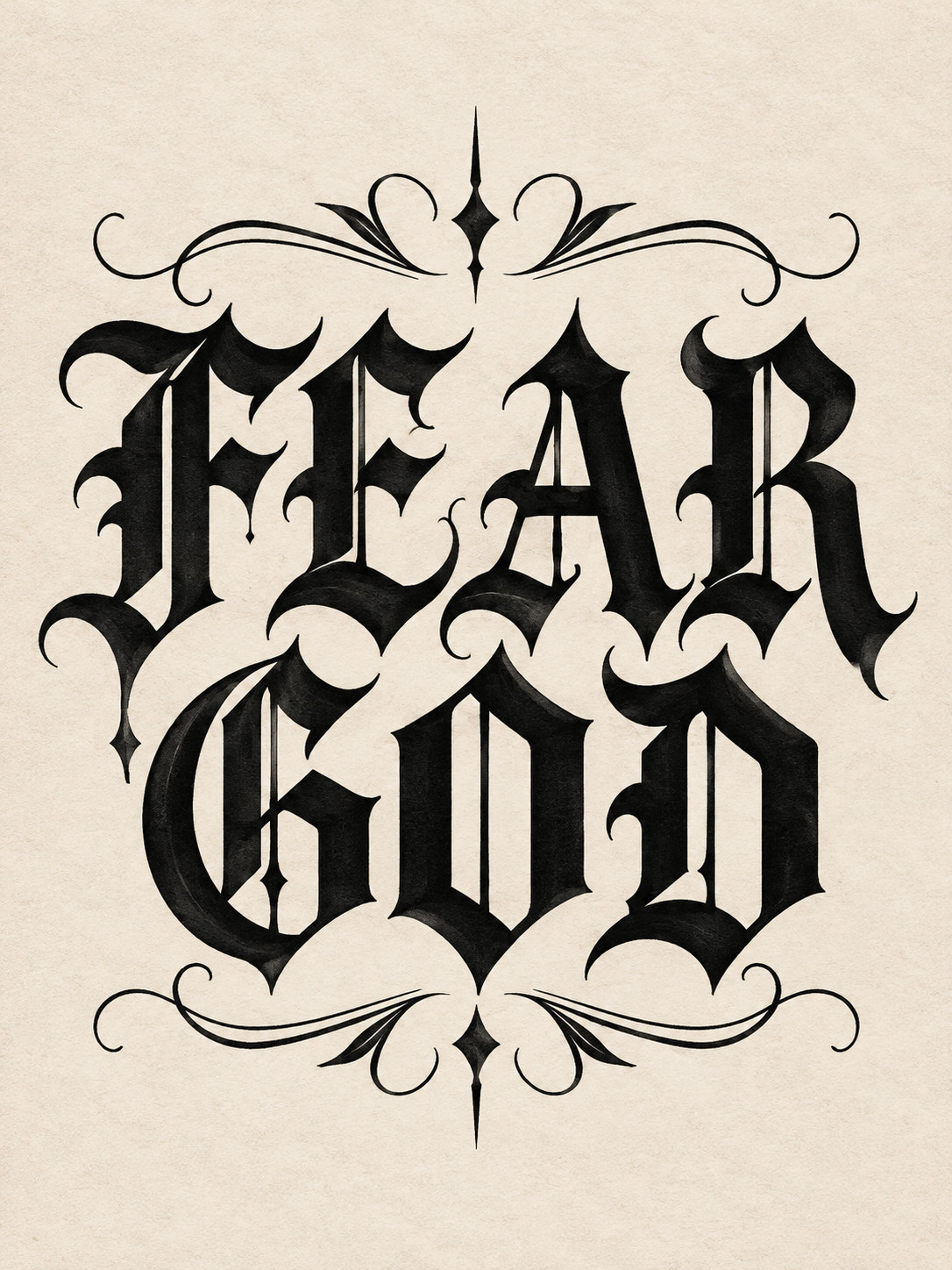
Blackletter lettering · Fear God tattoo flash
05
Lettering and symbol directions
FEAR GOD
Two words, personal meaning
03
Steps from idea to reference
START WITH YOUR CONVICTION
Start with the meaning, then choose the lettering, symbols, and placement that support it.
Is this about faith, reverence, or self-discipline? Decide what the phrase means to you before choosing a style.
Compare the weight of blackletter, the movement of script, and the open space of minimal type.
Keep the words alone or pair them with a cross, praying hands, or a few intentional flourishes.
Try a single line, stacked words, or a curved banner before discussing size and orientation with your artist.
THE FEAR GOD TATTOO WORKSPACE
Select one of five visual directions, adjust the example preview, and add a personal idea. When you are ready, use the AI tattoo generator to explore a new concept.
The preview is a style example, not your generated result. AI may misspell lettering; check every letter with a tattoo artist before tattooing.
MADE FOR FEAR GOD TATTOO DESIGN
Compare stroke weight, letter shapes, and flourishes so FEAR GOD stays clear at the size you intend.
From pure typography to crosses and praying hands, see how the same phrase can feel different.
Consider one or two lines, which way the words face, and how the design sits as your arm moves.
Bring a clear reference to discuss spelling, line width, spacing, and what needs to change for real skin.
YOUR DESIGN PROCESS
Write down why the phrase matters and collect the letterforms that speak to you.
Explore the five examples, then add a personal detail to the generator.
Use the concept as a reference; confirm every letter, size, and orientation before tattooing.
FEAR GOD TATTOO COLLECTION
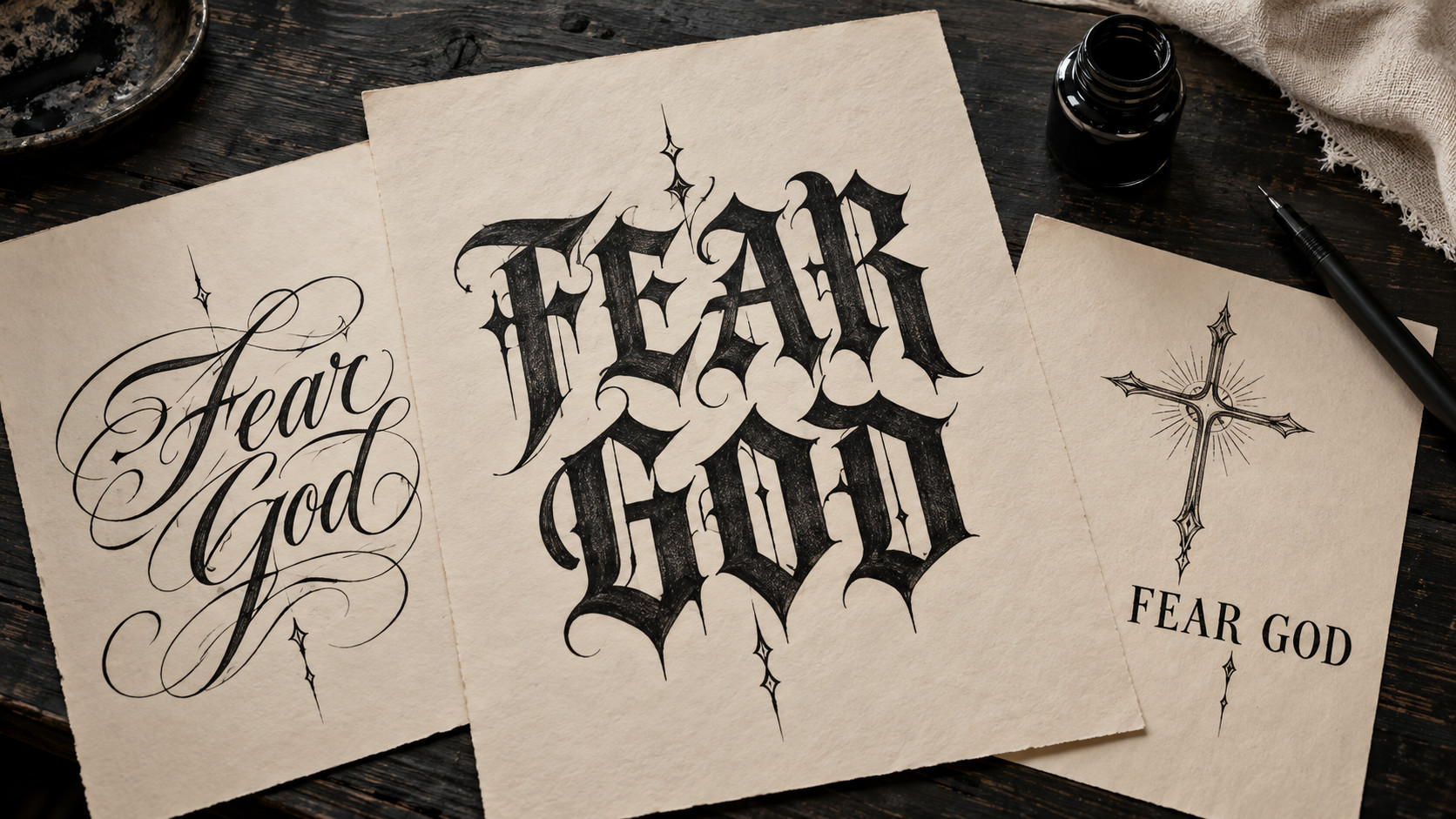
Five different ways to balance the words FEAR GOD with shape, space, and optional devotional imagery.
FEAR GOD / GOTHIC
Strong strokes and restrained gothic flourishes give the phrase a bold silhouette.
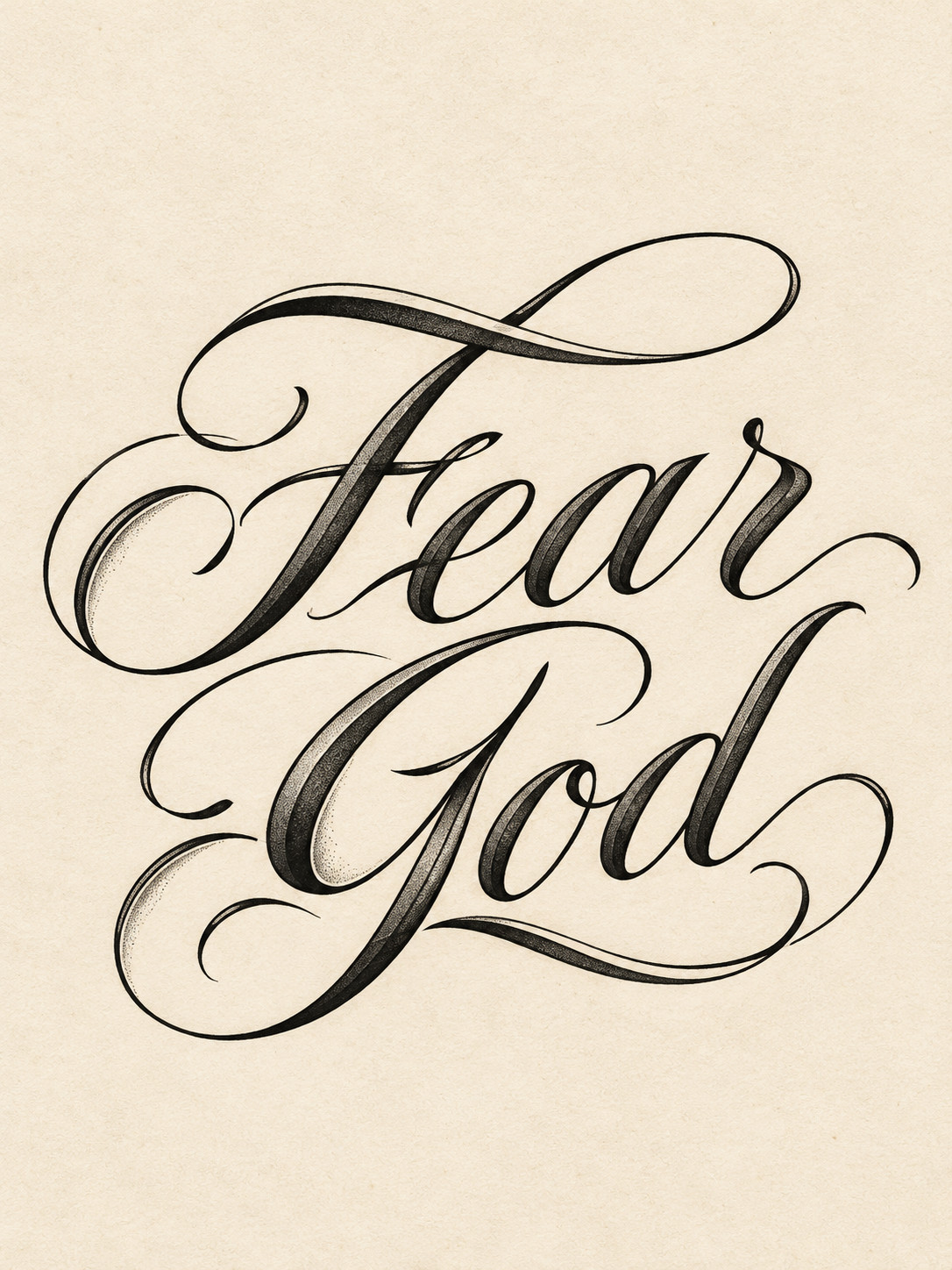
FEAR GOD / SCRIPT
Connected calligraphy brings movement to the words without losing their meaning.
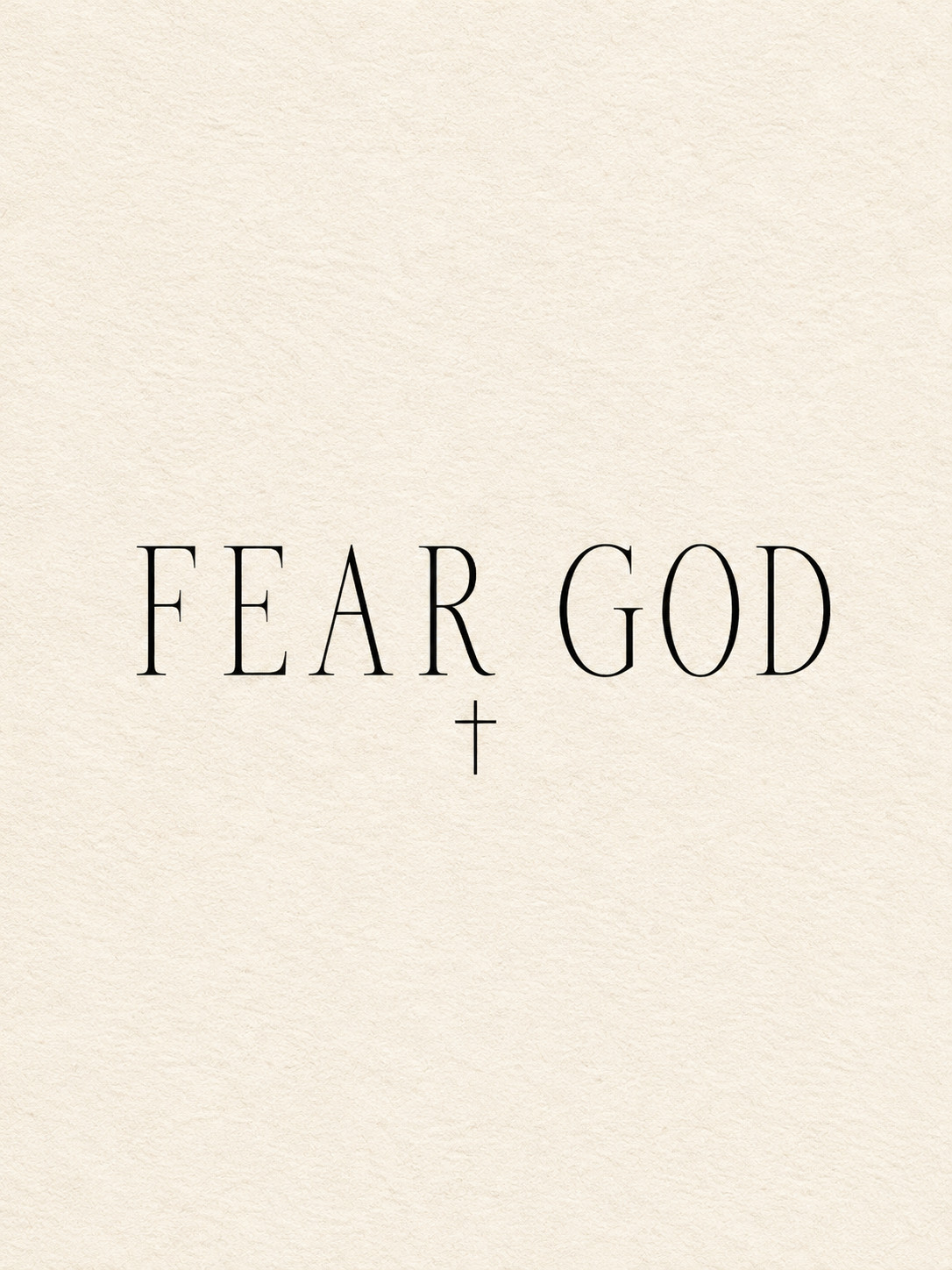
FEAR GOD / MINIMAL
Thin serif letters, deliberate spacing, and a small cross keep the composition quiet.
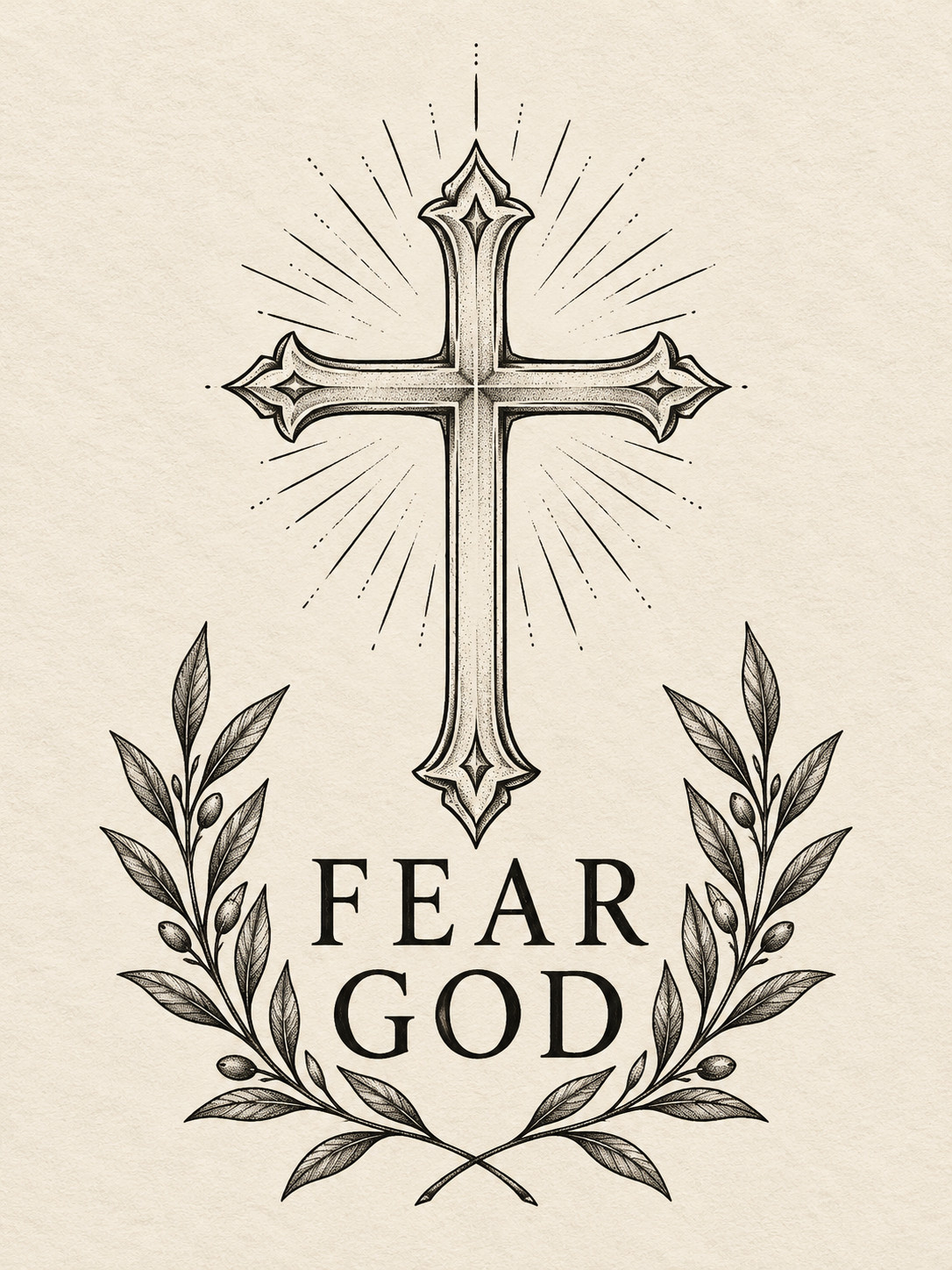
FEAR GOD / CROSS
An ornamental cross and balanced leaves frame the phrase as a devotional emblem.
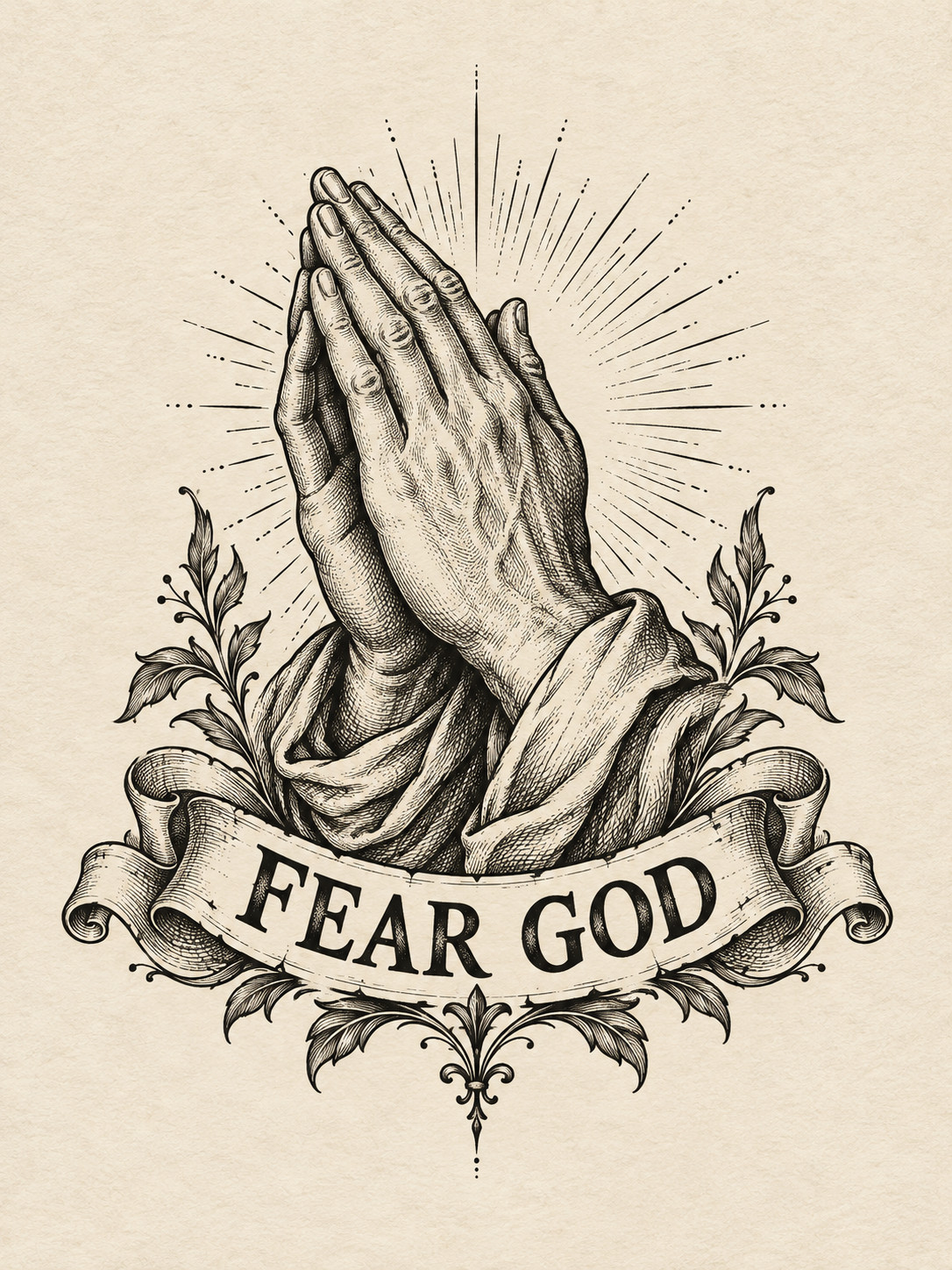
FEAR GOD / HANDS
Engraved praying hands and a ribbon turn the lettering into a fuller illustration.
Your faith.
Your words.
Your ink.
These are visual examples. Your generated concept may differ, and an artist should check the final lettering.
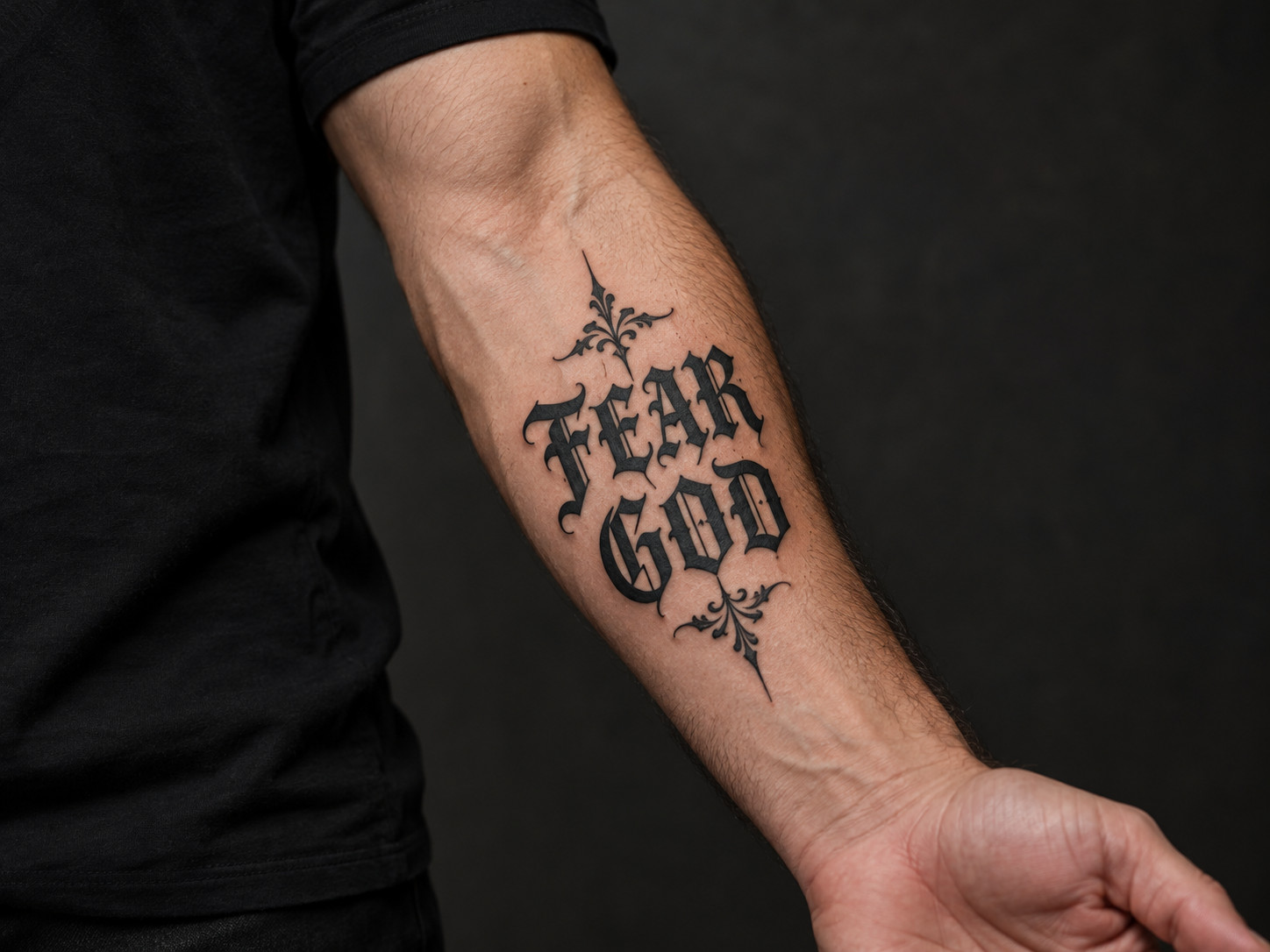
FOREARM PLACEMENT
On a forearm, lettering weight, spacing between lines, and reading direction all affect the result. Decide whether the words should face you or read outward, then confirm the final placement with your tattoo artist.
FOR YOUR TATTOO ARTIST
A style example helps you point to the weight, spacing, and ornament you like. Your artist can adapt the design to your chosen body area and the way ink ages on skin.
DETAILS WORTH THINKING ABOUT
Blackletter feels weighty, script feels fluid, and minimal type feels restrained. Choose the character first, then refine each letter.
A single line is expansive; stacked words are compact. Leave enough open space around symbols for the phrase to remain readable.
Check the spelling and spacing at the actual intended size, especially in decorative or connected lettering.
FEAR GOD TATTOO FAQ
Start with the exact words FEAR GOD. Choose lettering that reflects your meaning, then decide whether a cross, praying hands, or a small flourish adds to the composition. Add your idea to the generator for a personal concept.
Blackletter has a bold silhouette, script flows, and minimal lettering creates more open space. Compare the examples side by side and consider how clear the letters will be at your intended size.
Yes. Save an example to discuss the style, layout, symbols, and details. The artist should adapt line width and spacing to your actual placement and verify the spelling.
Decide whether the phrase should face you or read outward. Compare layouts on the chosen body area, then use a temporary stencil with your artist to check size, direction, and every letter before tattooing.
MAKE YOUR FEAR GOD TATTOO YOURS
Pick a style, add a personal idea, and create a design starting point to refine with your tattoo artist.
Explore Fear God designsCompare a related direction, explore the placement, or prepare a clearer brief for your artist.