01
Choose a single butterfly or tree
One butterfly makes a simple focal point. A butterfly tree creates a taller composition with branches and an airy crown of wings.

BUTTERFLY TATTOO DESIGN · AI GENERATOR
Give your story wings.
Start with a single butterfly or a tree filled with wings. Compare five original butterfly tattoo design directions, study the linework and color, then shape a reference that feels like yours.
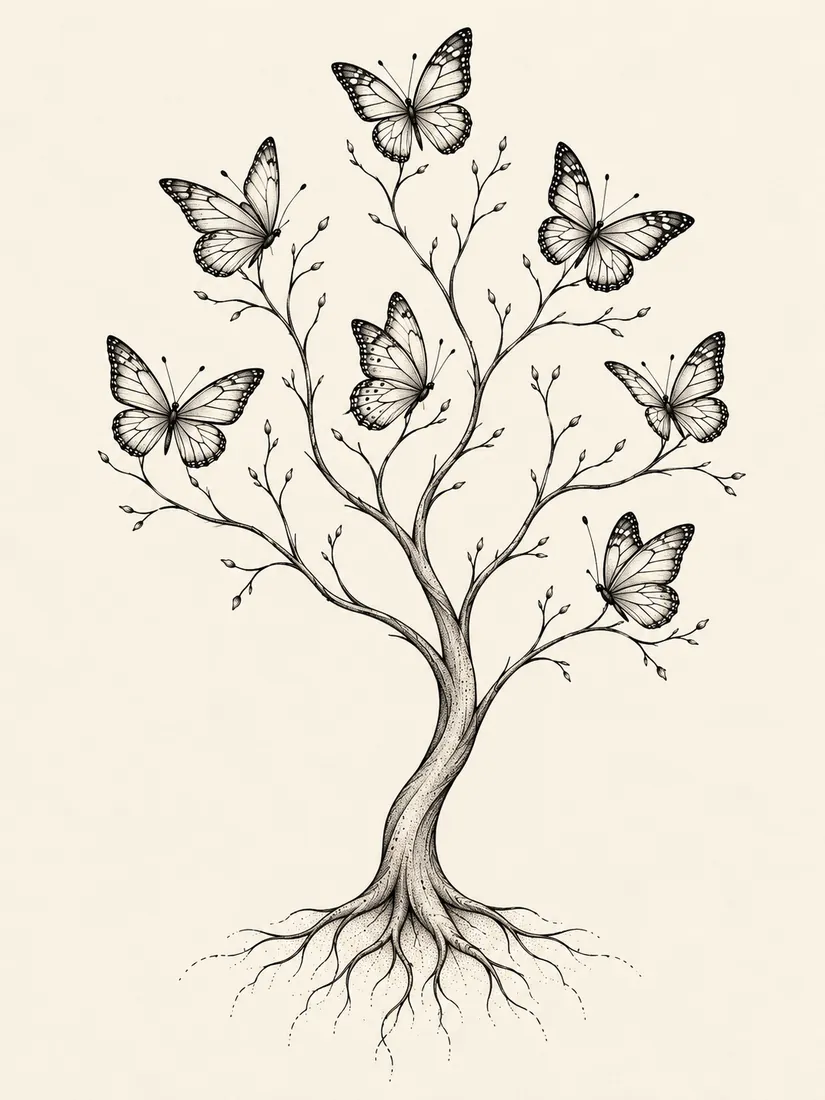
Delicate wings · flowing branches · open space
05
butterfly tattoo styles to explore
WINGS
wings, branches and blossoms
03
steps from idea to artist reference
HD
clear tattoo design examples
START WITH A PAIR OF WINGS
Look at the overall composition first, then compare the wing details, botanical accents and final placement.
One butterfly makes a simple focal point. A butterfly tree creates a taller composition with branches and an airy crown of wings.
Rounded lower wings, long upper wings and fine veins change the mood. Check the outer silhouette and leave enough breathing room inside.
Let a butterfly rest on a flowering branch or arrange several wings around a tree canopy. Keep the small details balanced.
Compare a single butterfly's width with a tree's vertical flow. Discuss the intended body area and final dimensions with your tattoo artist.
BUTTERFLY TATTOO DESIGN WORKSPACE
Switch between five style examples, adjust the on-screen preview and add a personal detail. Your selected direction will open the AI tattoo generator.
The images are style examples, not generated results or a virtual try-on. The slider changes only this preview. Review final line weight, spacing and placement with a tattoo artist.
MADE FOR BUTTERFLY TATTOO DESIGN
Compare the outer contours, vein patterns and amount of dark ink before you choose a direction.
Explore butterfly tree, fine-line, blackwork, floral and soft watercolor examples side by side.
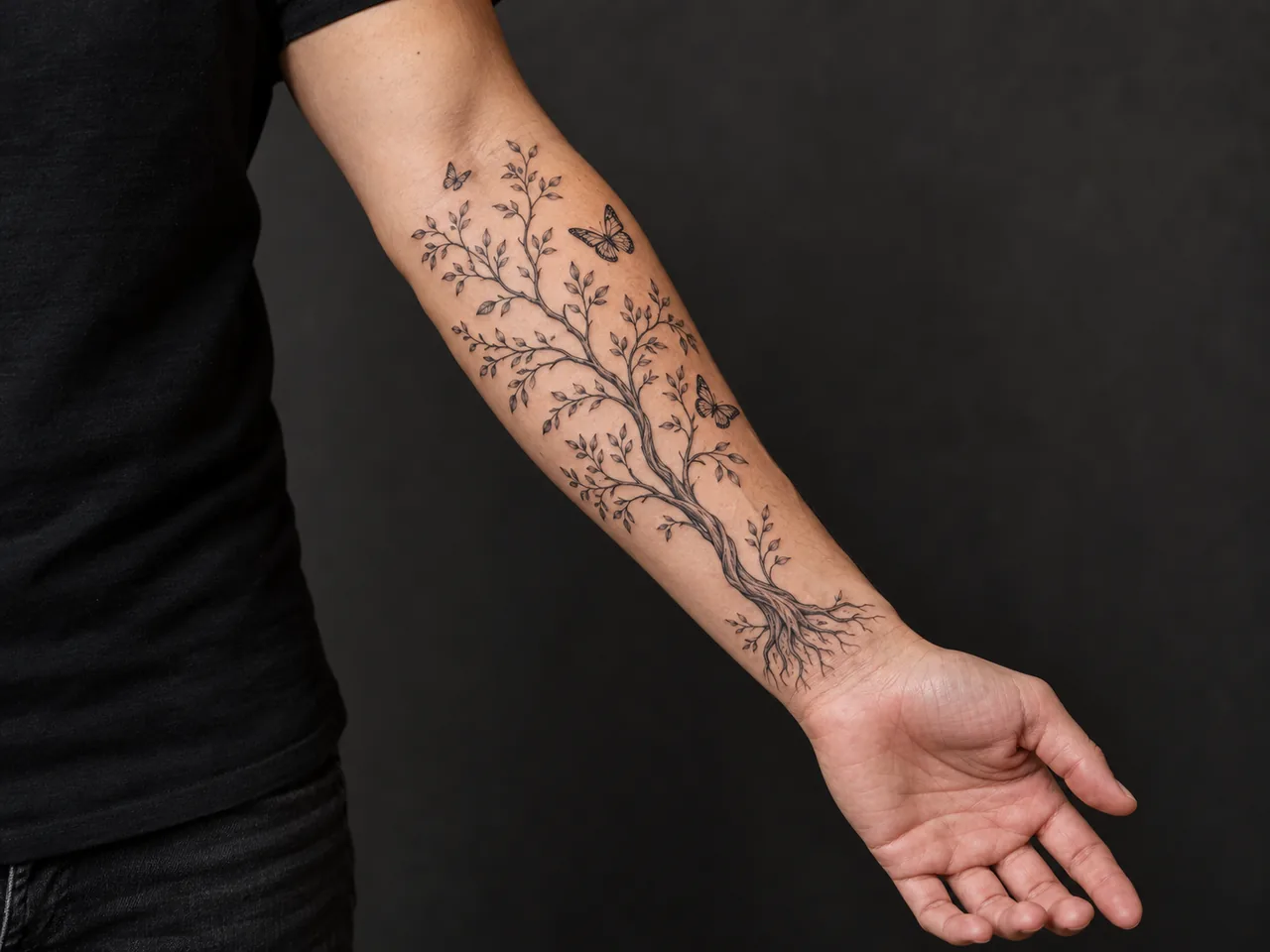
See how a vertical butterfly tree might sit on the forearm, then confirm its actual scale with your artist.
Bring a visual reference for wing details, branch spacing, blossoms and the overall mood you want.
YOUR DESIGN PROCESS
Start with a single butterfly, floral branch or butterfly tree. Decide which silhouette feels right.
Compare the examples, choose a direction and add the detail you want to make personal.
Use your result as a starting point. A tattoo artist can adjust line weight, spacing and placement for real skin.
BUTTERFLY TATTOO DESIGN COLLECTION
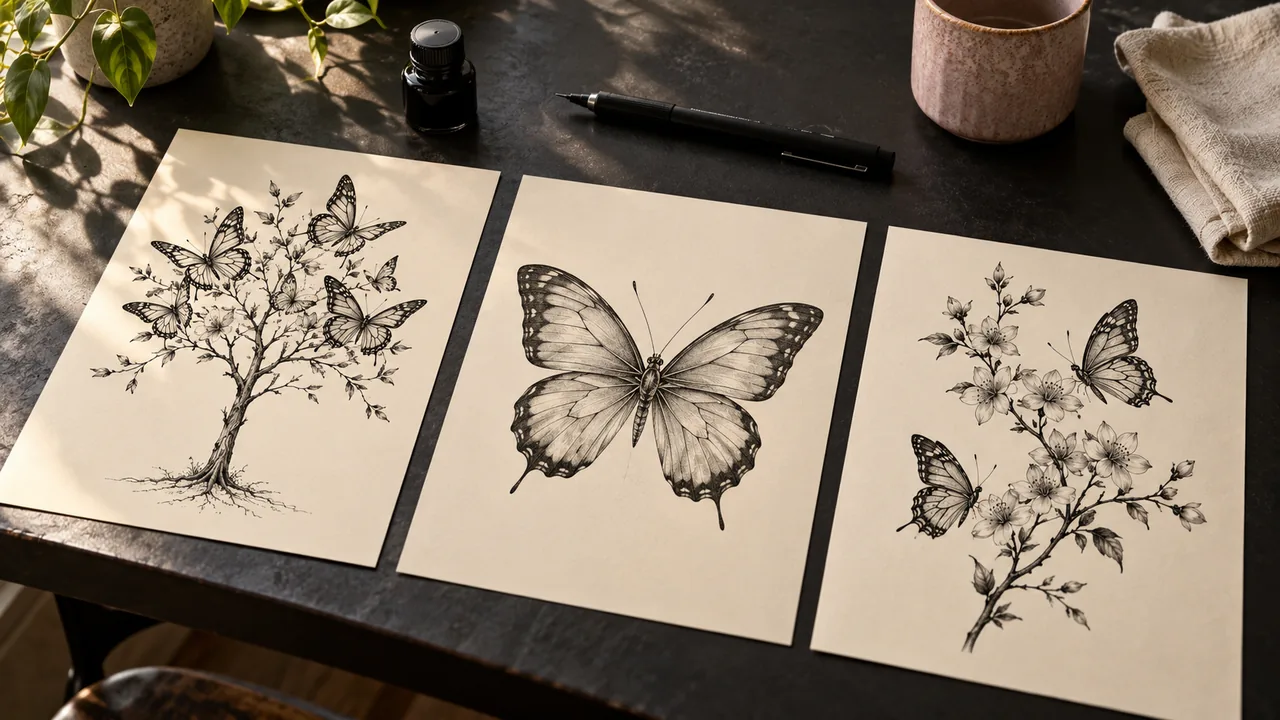
Browse five butterfly tattoo design examples, from a single fine-line wing to a butterfly tree with soft color. Choose one to take into the generator.
BUTTERFLY / butterfly tree
A slender trunk rises into branches and an open crown of individual butterflies.
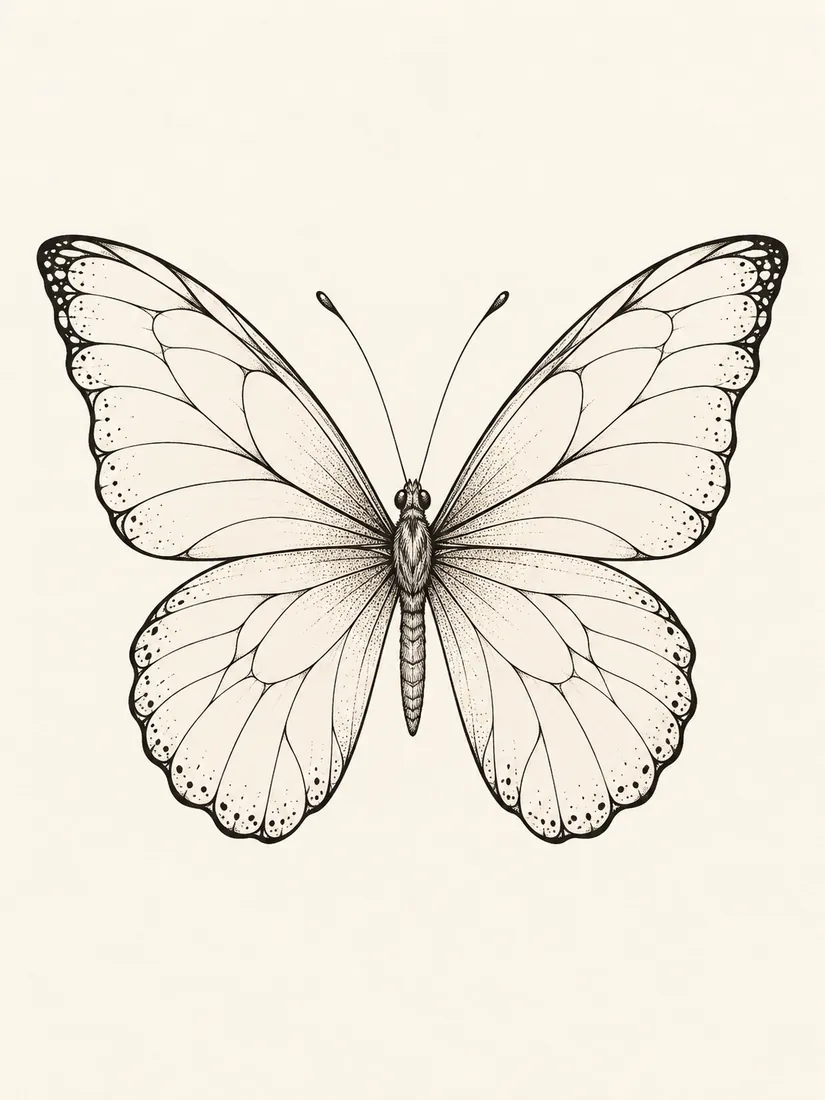
BUTTERFLY / fine line
A single butterfly with elegant wing contours and delicate interior veins.
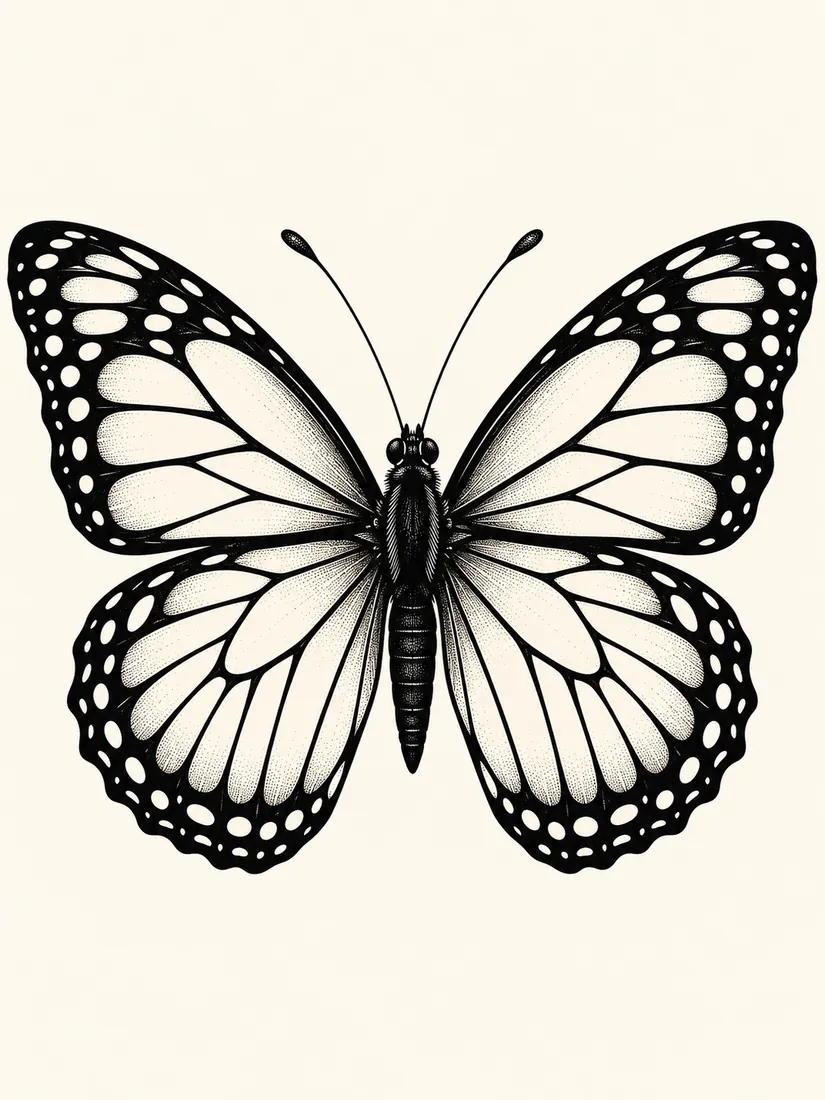
BUTTERFLY / blackwork
Deep black wing edges meet light interior details for a bold, readable silhouette.
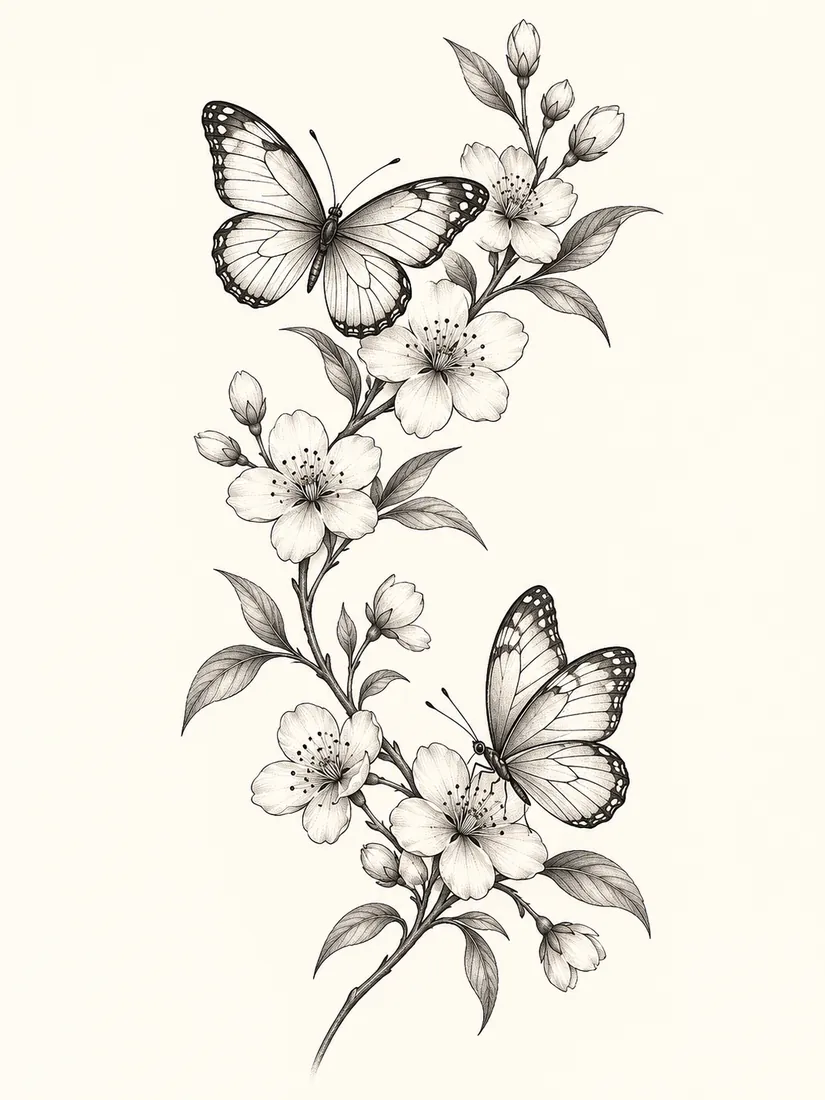
BUTTERFLY / floral
Two butterflies follow a curved flowering branch in a vertical botanical composition.
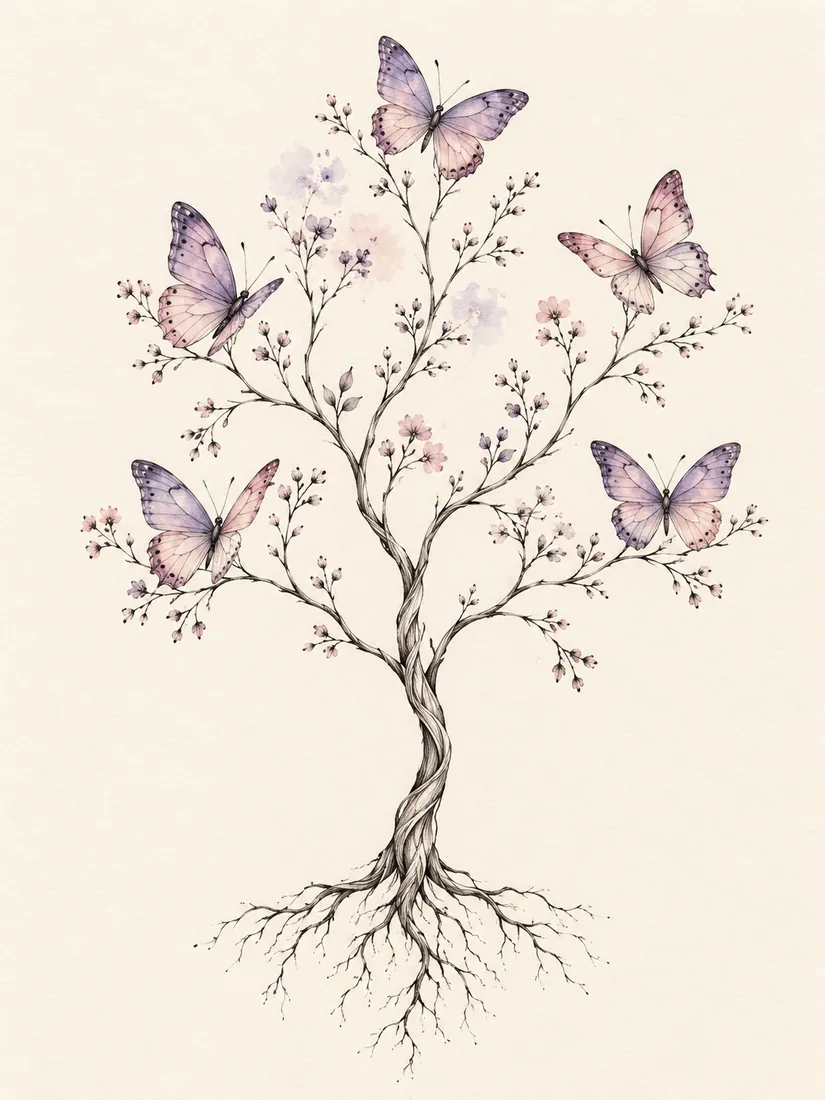
BUTTERFLY / watercolor
Muted purple and blush accents soften the wings around fine black branches.
Your wings.
Your story.
Your ink.
These are style examples. Your generated image may differ, and a tattoo artist should adapt the final artwork for your body and chosen size.
FOREARM TATTOO PLACEMENT
A butterfly tree can form a long forearm composition, while a single butterfly emphasizes wingspan. This placement image is only a concept; your artist should confirm the real orientation, negative space and size.
FOR YOUR TATTOO ARTIST
A reference helps you point to the wings, branch flow and blossoms you like. Your artist can redraw the motif for your body, skin and intended tattoo size.
DETAILS WORTH THINKING ABOUT
Look at the design at its intended size. Make sure the butterfly still reads clearly and the interior veins have enough space.
A tree gives the composition direction; individual butterflies bring lightness. Compare canopy width, trunk movement and space between wings.
Blossoms or soft color can add emphasis. Choose one detail you love and check that it supports the overall design.
BUTTERFLY TATTOO GENERATOR FAQ
Our butterfly tree examples combine a slender trunk, branches and an airy crown of butterflies. Try a black linework version or muted watercolor wings, then compare it with simpler single-butterfly and floral designs.
Choose butterfly tree, fine-line, blackwork, floral butterflies or watercolor butterfly tree. Compare the overall composition first, then the wing patterns, line weight and color.
Style buttons switch between preset design examples. The slider changes the image's on-screen size, and Save example downloads the selected reference. Your generated design will be a separate result.
Yes. Save an example or generated result to discuss wing details, branch spacing, line weight and final placement. Your artist should adapt the artwork before tattooing.
MAKE YOUR BUTTERFLY TATTOO YOURS
Choose a style, add one meaningful detail and create a design starting point to refine with your tattoo artist.
Explore butterfly designsCompare a related direction, explore the placement, or prepare a clearer brief for your artist.