01
Choose the expression
Compare a smiling mask, contrasting faces and a simple graphic grin. Small changes around the eyes and mouth can shift the mood.
JOKER TATTOO GENERATOR · DESIGN INSPIRATION
Find the expression that speaks to you.
Explore eight original Joker tattoo designs, from black-and-grey theatre masks and playing cards to graphic grins and emerald-purple jester hats. Compare the mood, linework and composition, then create a personal concept.
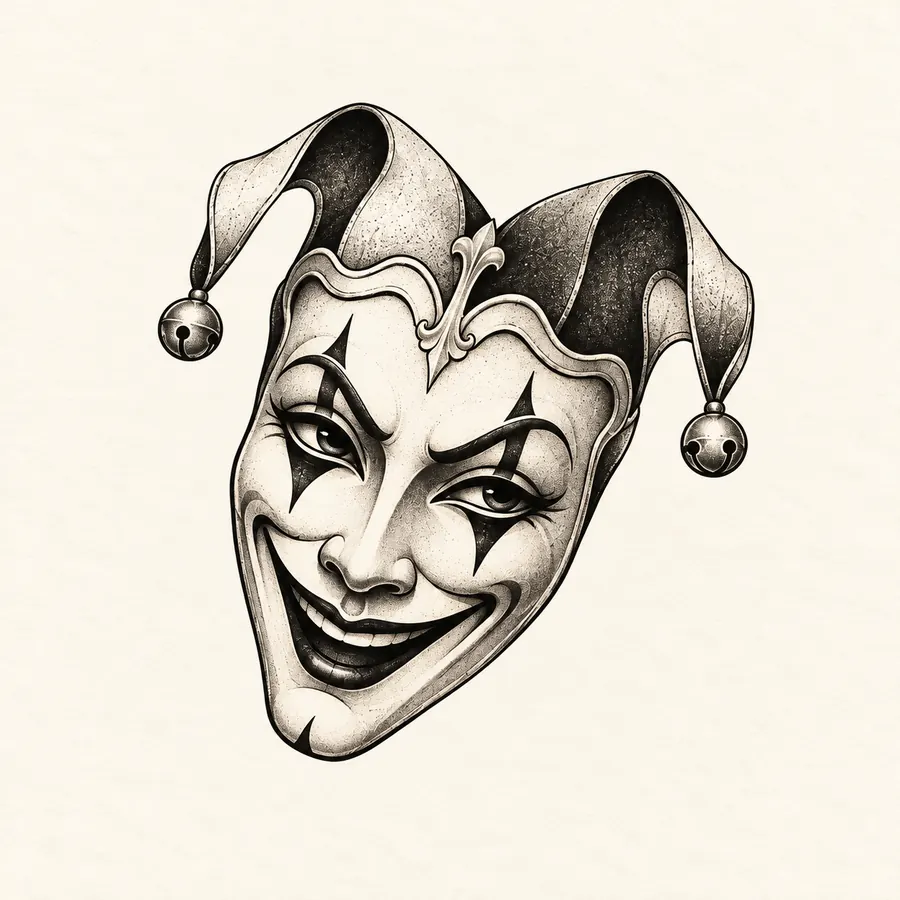
Joker tattoo · smiling theatre mask
08
Joker design directions
01
jester theme to make your own
03
steps from idea to reference
08
AI-created flash examples
START WITH THE EXPRESSION
A Joker tattoo can be playful, theatrical or quietly mysterious. Begin with the expression and silhouette you like, then consider details that will still read well on skin.
Compare a smiling mask, contrasting faces and a simple graphic grin. Small changes around the eyes and mouth can shift the mood.
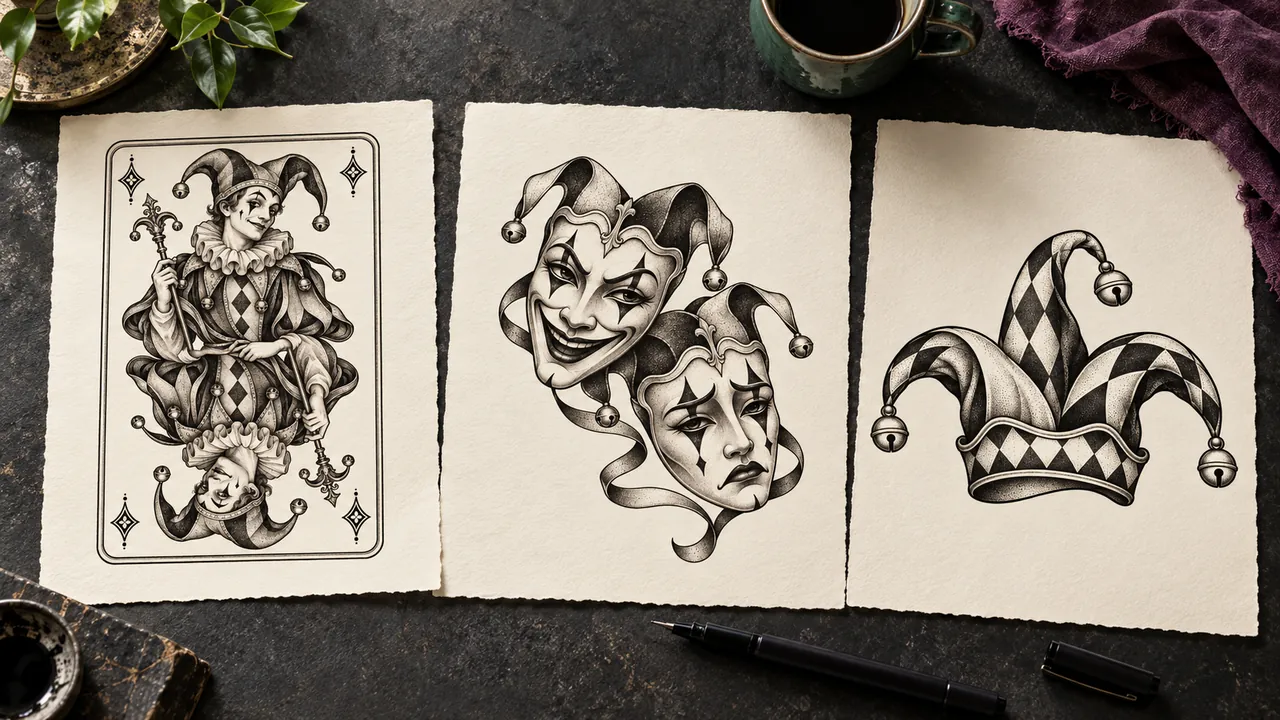
A jester mask, vintage playing card and bell hat each tell the story differently. Choose the subject before adding decoration.
Card borders, diamonds, a rose or subtle color can support the main figure without crowding its outline.
Check the full silhouette and preview size, then discuss skin placement, line weight and final dimensions with your artist.
EXPLORE YOUR JOKER TATTOO
Switch among eight preset designs and resize the on-screen preview. Add a personal detail and continue to the AI design chat to create a new concept.
The style buttons and slider only change the preset preview. Submitting opens the AI design chat to create a new image. Ask your artist to adapt fine details for your chosen size.
A CHARACTER IN EVERY LINE
Compare eye shapes, smiles and shadows. A bold mask and a minimal grin feel different even in black ink.
A bell hat, card frame or rose can support the main subject while leaving its silhouette clear.
The gallery includes monochrome flash and an emerald-purple hat, so you can compare the visual weight of each.
Save a concept and discuss its final size, line weight and longevity with a tattoo artist.
THREE STEPS TO YOUR REFERENCE
Start with a jester mask, playing card, grin or hat that matches the character you want.
Switch the preview and adjust its display size to inspect the outline, expression and details.
Download a preset reference or create a personal concept; an artist can refine it for skin.
JOKER TATTOO DESIGNS
Browse the supplied AI-created flash, filter by style and choose a direction for your own tattoo concept.
JOKER / mask
A black-and-grey jester mask with diamond eye makeup, bell hat and textured shadows.
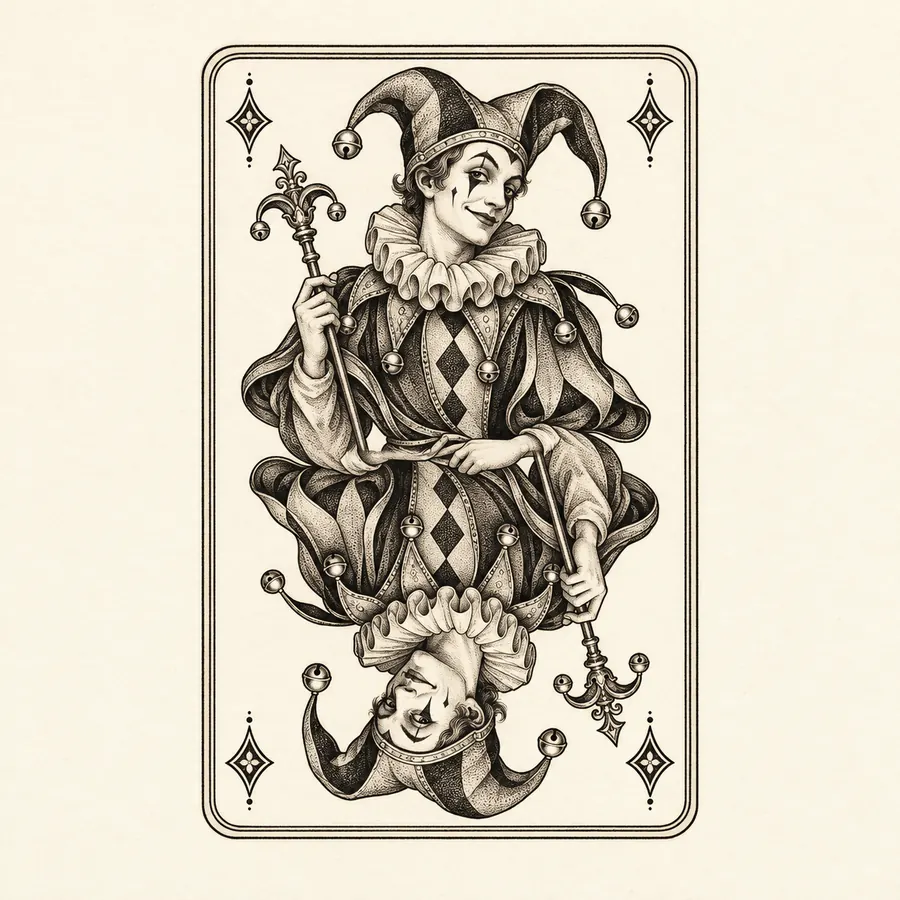
JOKER / card
An original jester figure inside a fine playing-card border with mirrored composition.
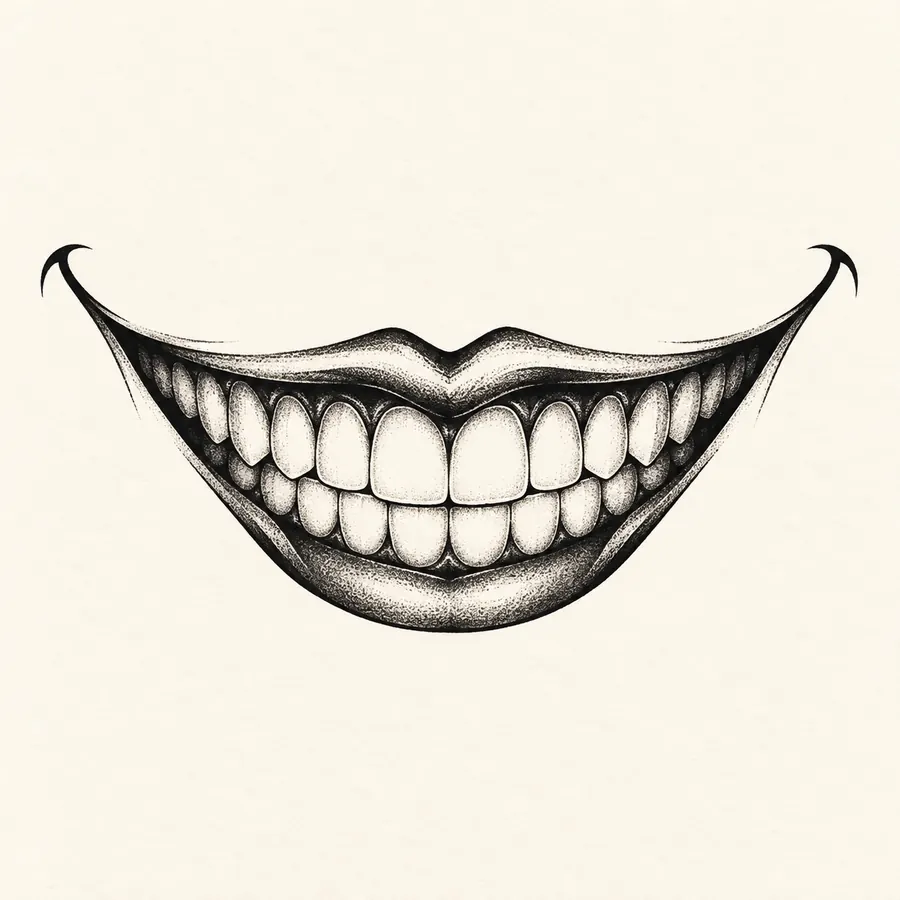
JOKER / grin
An upward black smile with clear teeth and simple shading leaves plenty of open space.
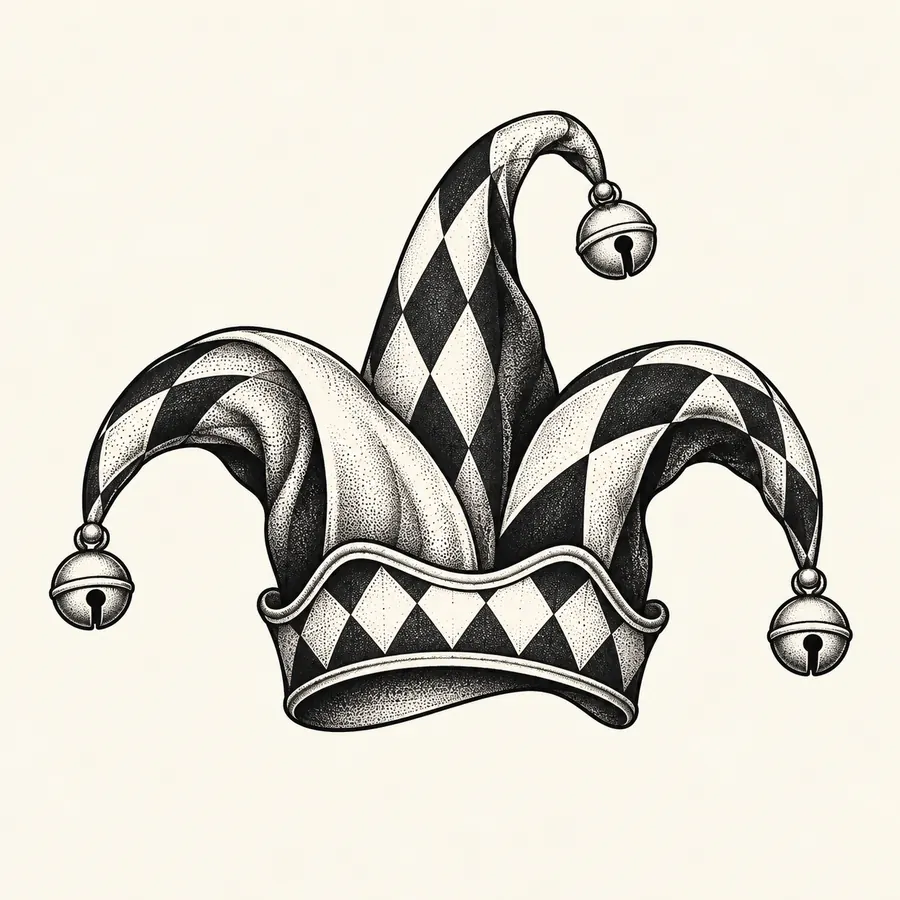
JOKER / jester
Curved hat points, three bells and fine dotwork make a clear black-and-grey motif.
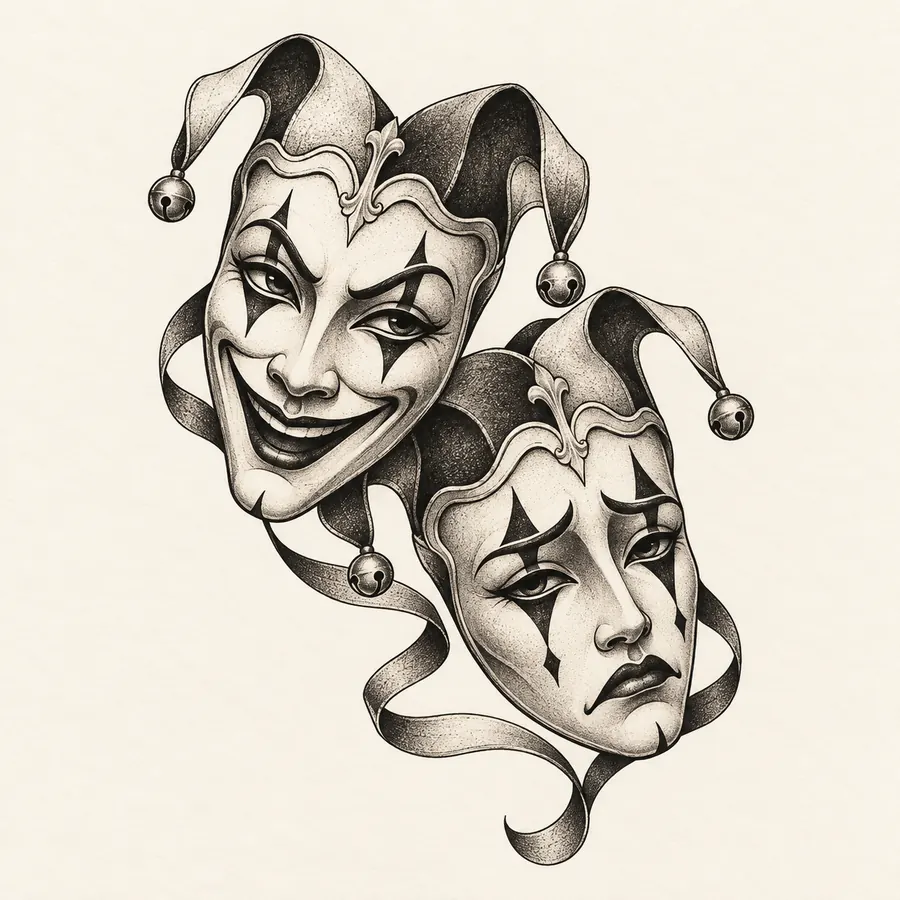
JOKER / masks
A smiling mask and a quieter face form a diagonal composition with contrasting moods.
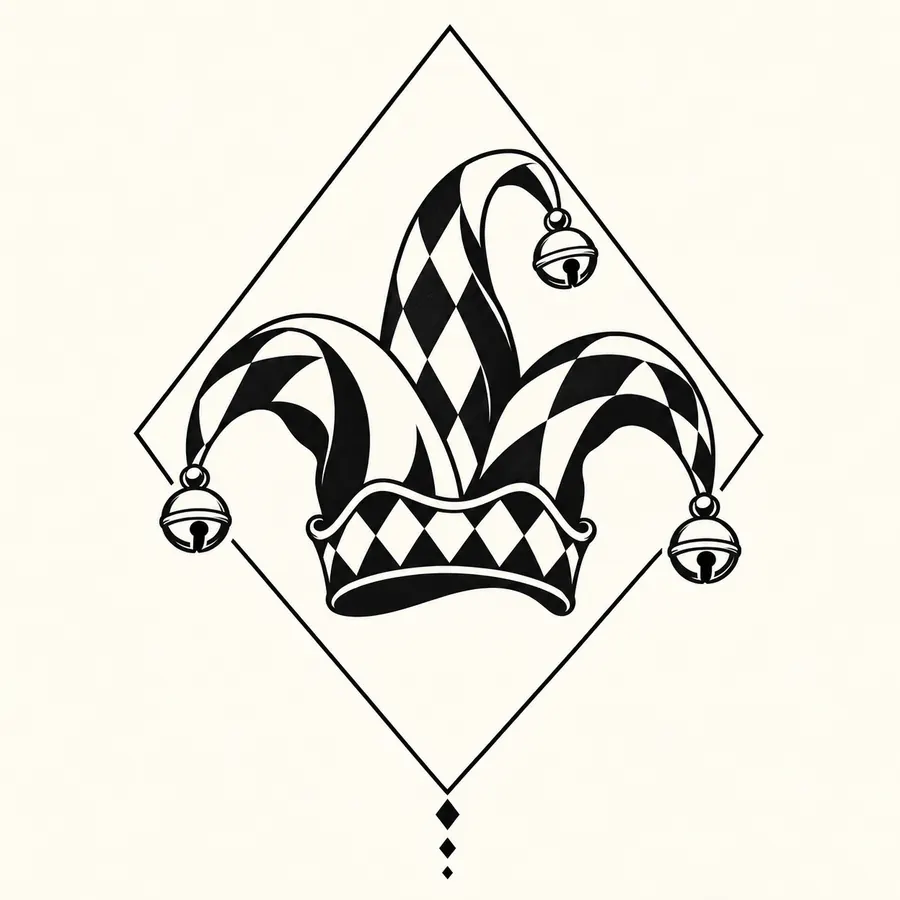
JOKER / diamond
A bell hat sits inside a diamond frame with dark shapes and strong negative space.
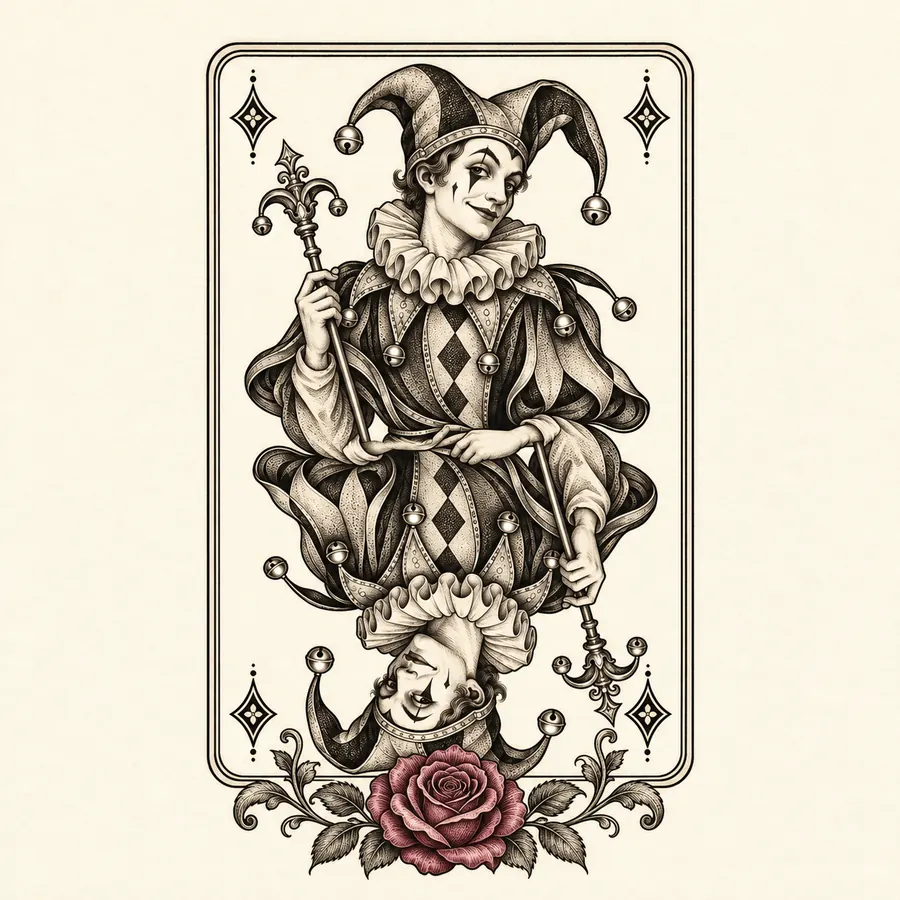
JOKER / rose
A vintage jester card meets a rose, leafy branches and a restrained purple accent.
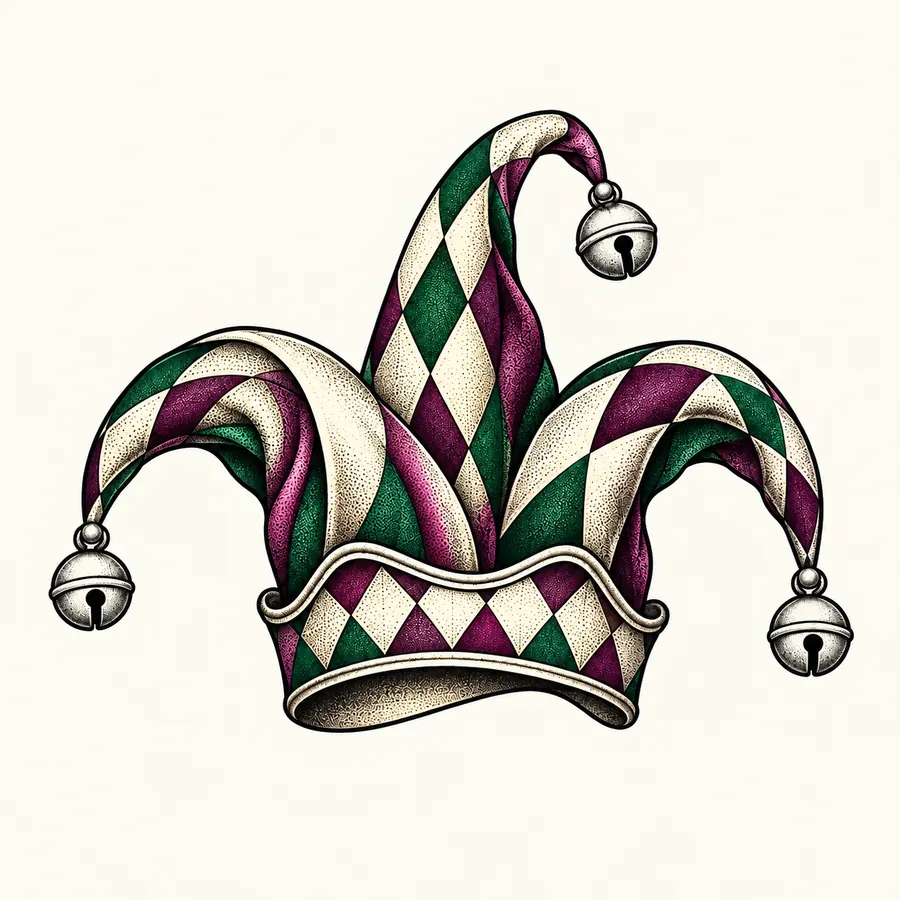
JOKER / color_hat
Alternating muted emerald and purple panels give a three-point bell hat a colorful character.
Your character. Your ink.
Create my Joker tattooThese eight images are preset design references. Filtering or resizing them does not create a new image; submit the generator form above for a personal concept.
PLACEMENT INSPIRATION
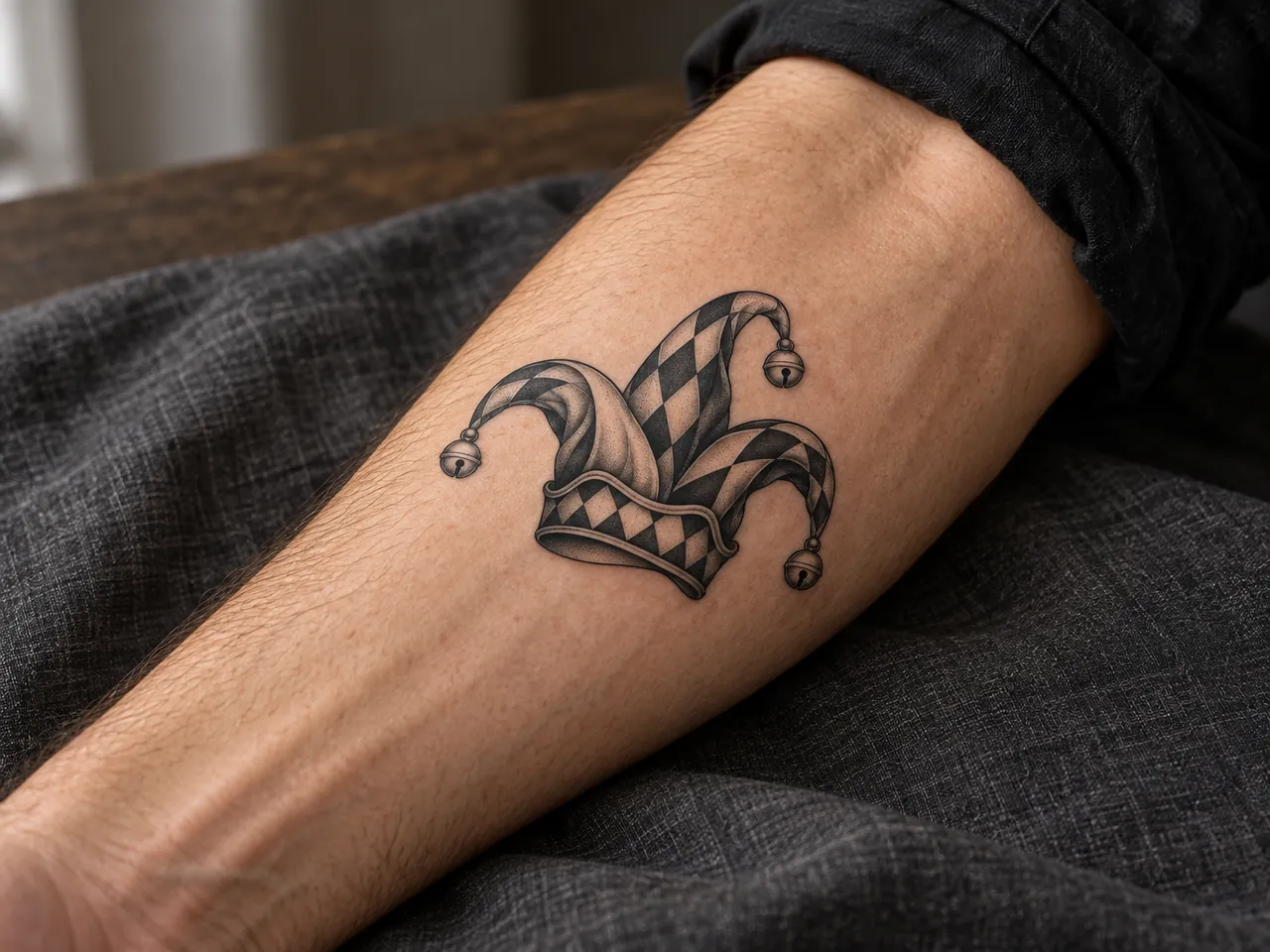
This AI-created placement concept shows a black-and-grey jester hat on an adult outer forearm. Compare the silhouette and available space. It is a visual reference, not a fitted try-on.
FOR TATTOO ARTISTS
Use a saved design to explain the expression, card border, shading or color you prefer. Your artist can adjust linework for the chosen placement.
DETAILS WORTH LOOKING AT
Small changes around the brows, eyes and grin can make a mask playful, intense or calm.
Check whether card borders, diamond frames or flowers leave the main jester subject easy to read.
A compact grin and a full playing card occupy very different areas. Review the outline before choosing a size.
JOKER TATTOO GENERATOR FAQ
The gallery shows eight original directions: a smiling theatre mask, vintage playing card, graphic grin, jester hat, dual masks, diamond blackwork, floral card and emerald-purple hat.
Black-and-grey puts more emphasis on linework and shading. The emerald-purple hat and subtle floral accent add color. Compare both at your intended tattoo size with your artist.
The page shows eight preset AI-created designs you can browse, resize on screen and download. To create a new concept, choose a style, add your detail and submit the form to open the AI design chat.
Yes, use it as a visual reference. Your artist should adapt the expression, line weight, shading and final dimensions for your skin and placement.
MAKE THE CHARACTER YOURS
Choose a jester-inspired style and add your own detail to create a Joker tattoo concept for further refinement.
Start my Joker tattooCompare a related direction, explore the placement, or prepare a clearer brief for your artist.