01
Shape your rose
Full layered petals feel dramatic; a light outline leaves more breathing room. Pick a blue tone that fits your vision.

AI KAISER TATTOO GENERATOR · BLUE ROSE EDITION
Make the blue rose your own.
Start with the blue rose and thorn-vine imagery associated with Michael Kaiser. Explore petal shapes, cobalt tones, a crown or keyhole, then turn your choices into an original tattoo concept.
Blue rose · thorns · crown detail
05
Distinct blue-rose design directions
BLUE ROSE
Rose, thorns and crown motifs
03
Steps from idea to artist reference
HD
Detailed tattoo flash examples
START WITH YOUR BLUE ROSE
Choose the flower, the visual details and the placement before refining an idea with your tattoo artist.
Full layered petals feel dramatic; a light outline leaves more breathing room. Pick a blue tone that fits your vision.
Keep the recognizable blue-rose motif or use it as a starting point for a more personal composition.
A small crown, keyhole or thorn curve can support the flower without crowding it.
Consider where the rose sits and how the thorn vine follows the arm or another body area.
THE KAISER TATTOO WORKSPACE
Compare five design directions, adjust the example preview and describe a personal detail. Then take your chosen direction to the AI tattoo generator for a new concept.
This preview is an example, not your generated result or a virtual try-on. The design is independent fan-inspired work; review color, line weight and placement with a tattoo artist.
MADE FOR KAISER TATTOO DESIGN
Compare petal layers, darker outlines and cobalt tones before choosing the flower that should lead the composition.
See how fine line, blackwork, crown details and watercolor change the same rose-and-thorn idea.
Look at rose size, vine length and the way a vertical design moves with the arm.
Bring a specific example to discuss blue ink, line spacing and the details that need simplifying for skin.
YOUR DESIGN PROCESS
Decide whether you want a bold cobalt flower, lighter linework, long thorns or a small crown.
Select a visual direction and add a personal idea before requesting a new concept.
Save a reference, then confirm the scale, color and linework on your chosen placement.
KAISER TATTOO DESIGN COLLECTION
Five different ways to combine the blue rose, thorn vines and crown details in a tattoo-ready conversation starter.
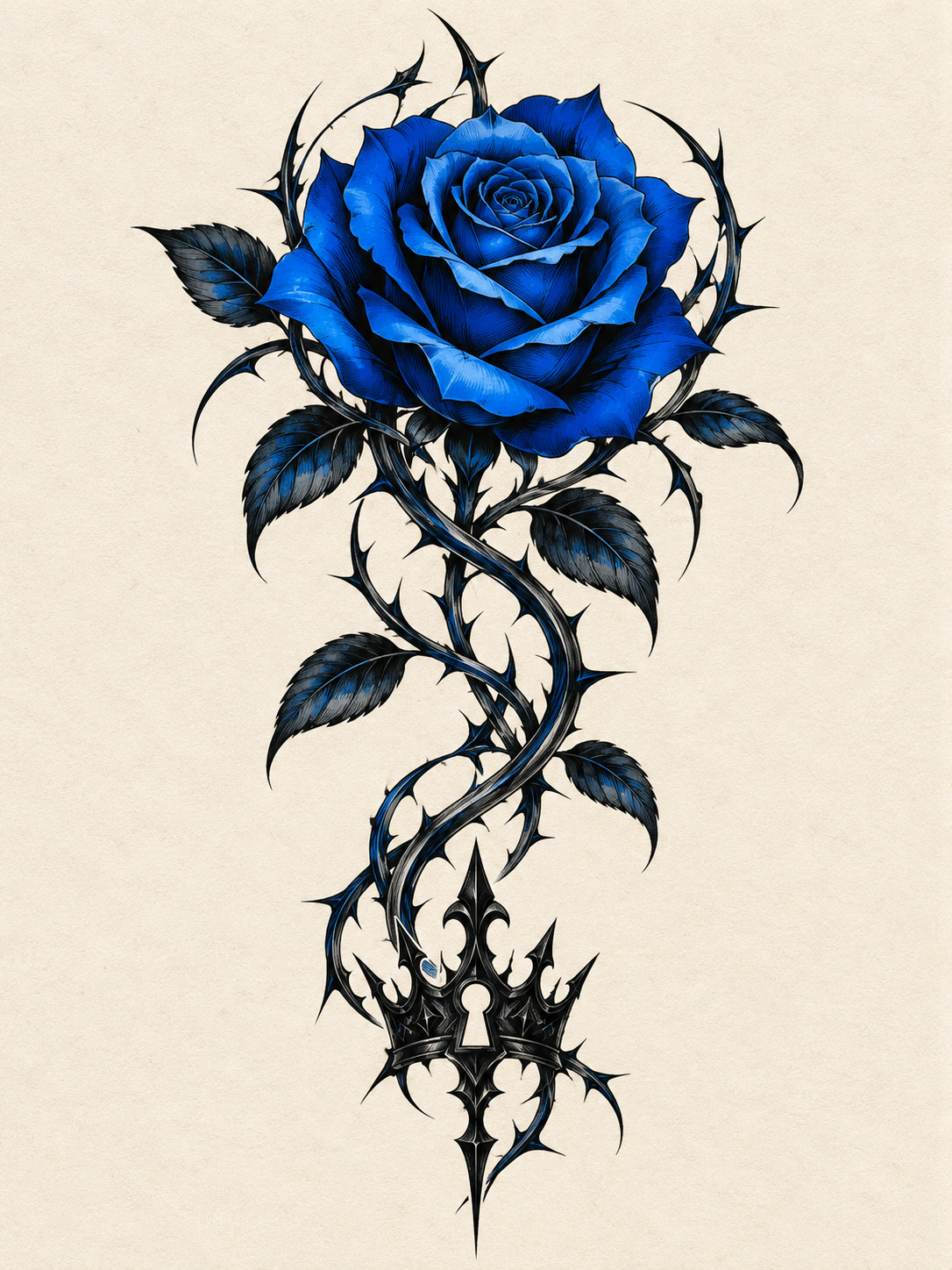
KAISER TATTOO / blue rose
A saturated cobalt rose anchors a flowing black thorn vine, with crown and keyhole details near the stem.
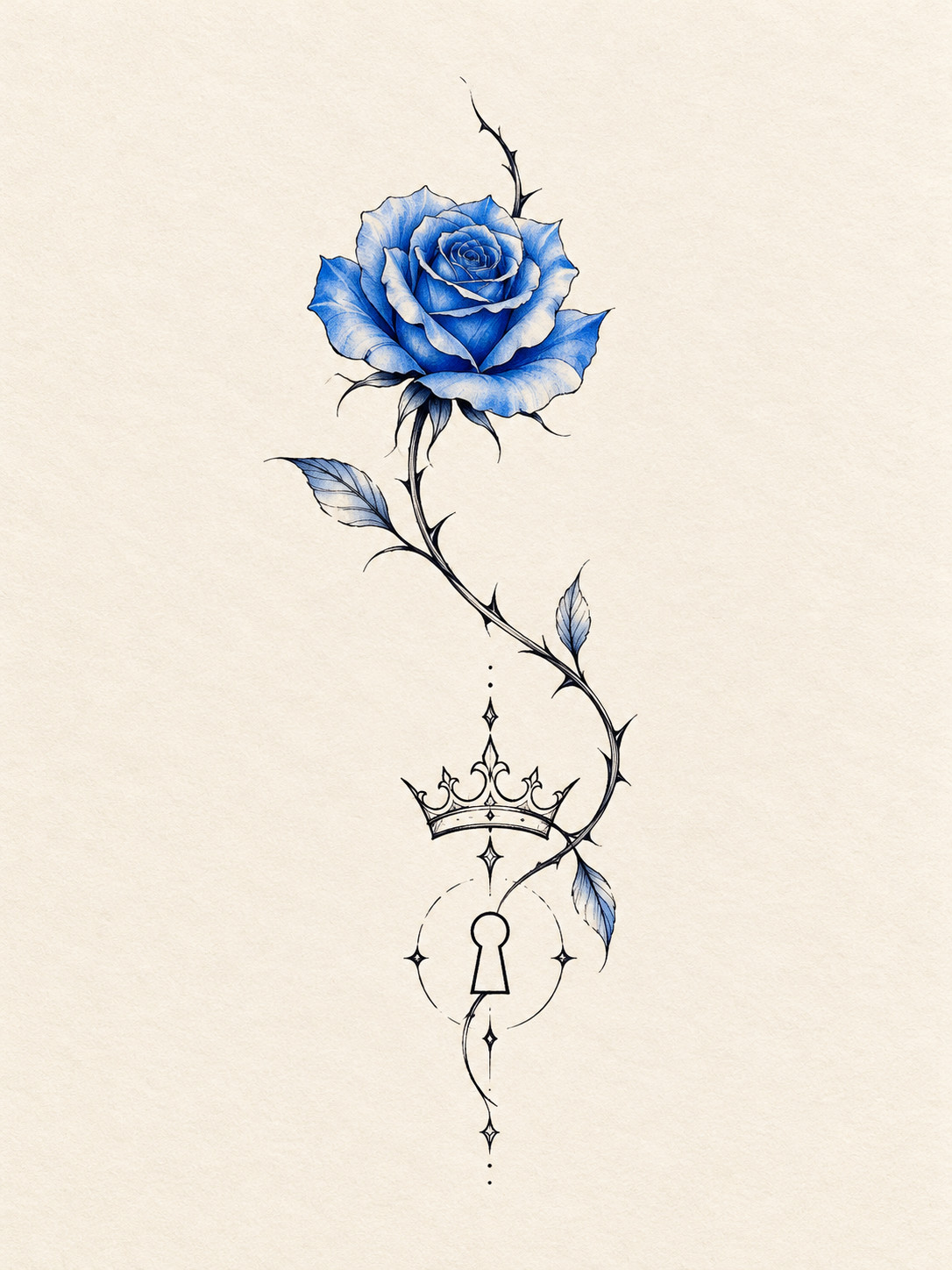
KAISER TATTOO / fine line
Airy outlines and a pale-blue flower leave more negative space around a slender stem and tiny crown.
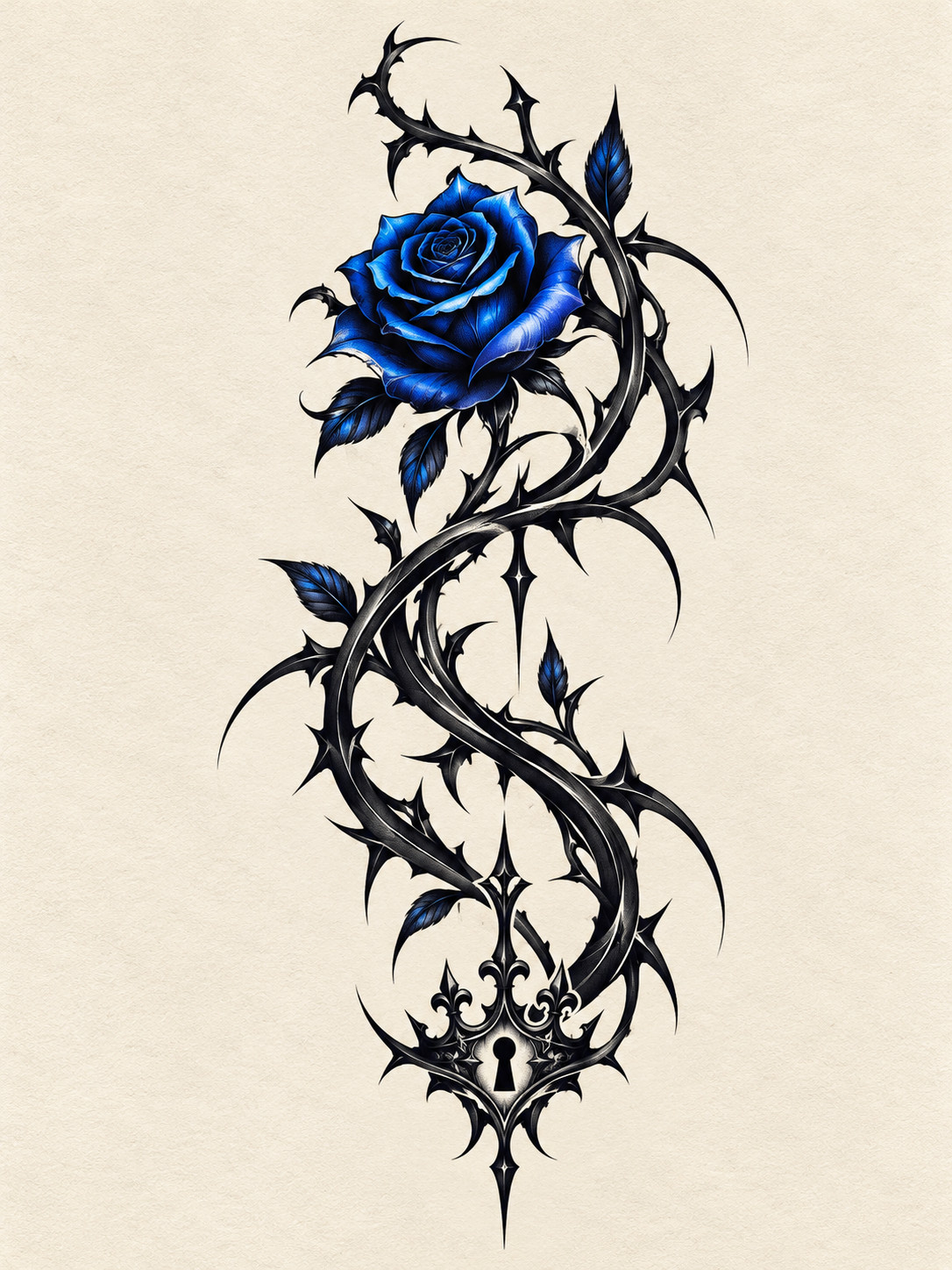
KAISER TATTOO / thornwork
Interlaced black thorns carry most of the contrast, while a blue rose remains the focal accent.
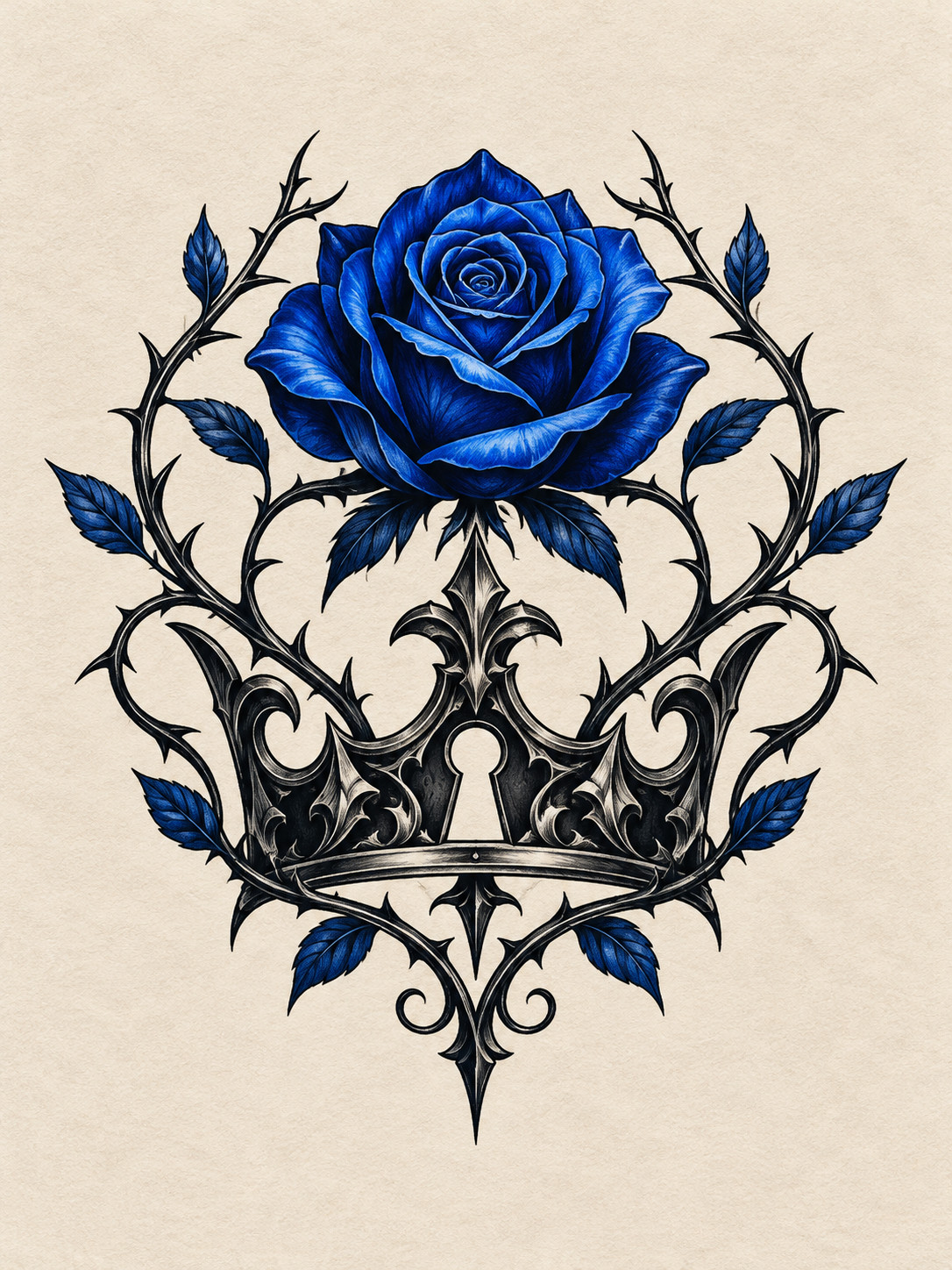
KAISER TATTOO / crown
A balanced crown and keyhole bring structure to the rose and vine without overwhelming the petals.
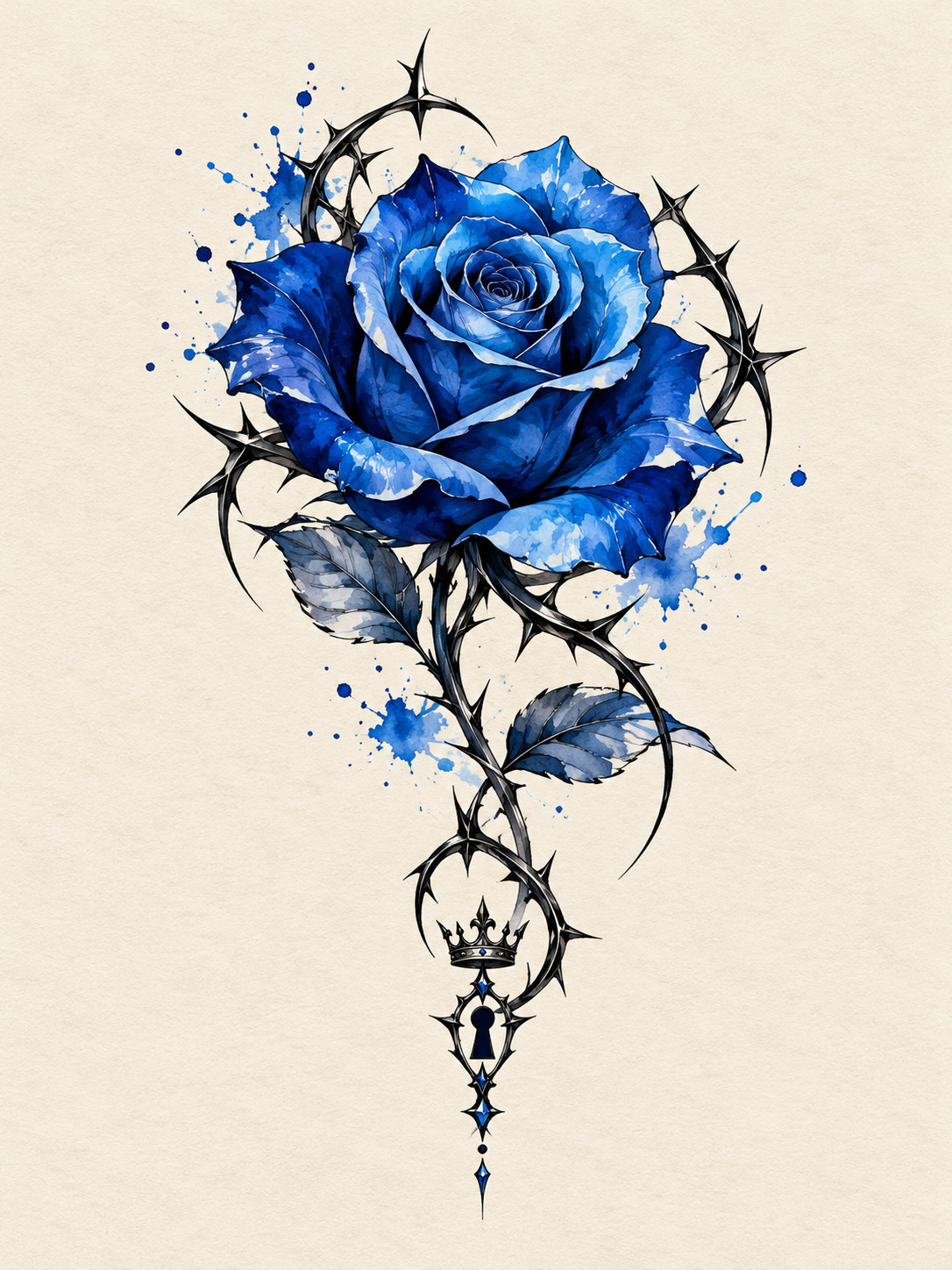
KAISER TATTOO / watercolor
Soft blue washes create movement around crisp rose contours and restrained thorn lines.
Your rose.
Your story.
Your ink.
The artwork is a set of visual examples. Your generated result may differ, and your artist should adapt it for real skin.
FOREARM TATTOO PLACEMENT
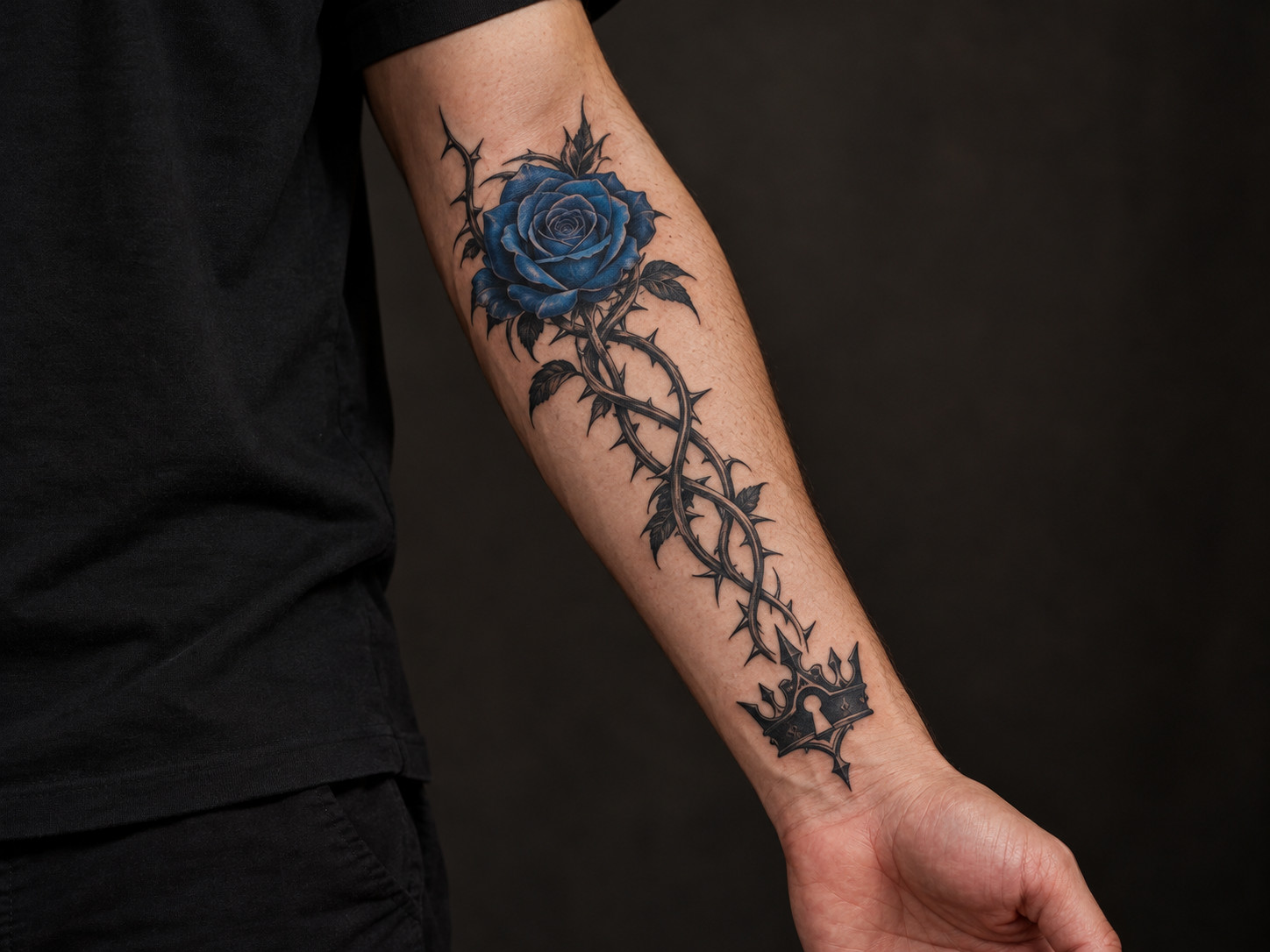
A rose can sit near the upper forearm while the thorn vine runs down the arm. Compare the flower's visual weight with the length of the stem, then confirm the actual size and angle with your tattoo artist.
FOR YOUR TATTOO ARTIST
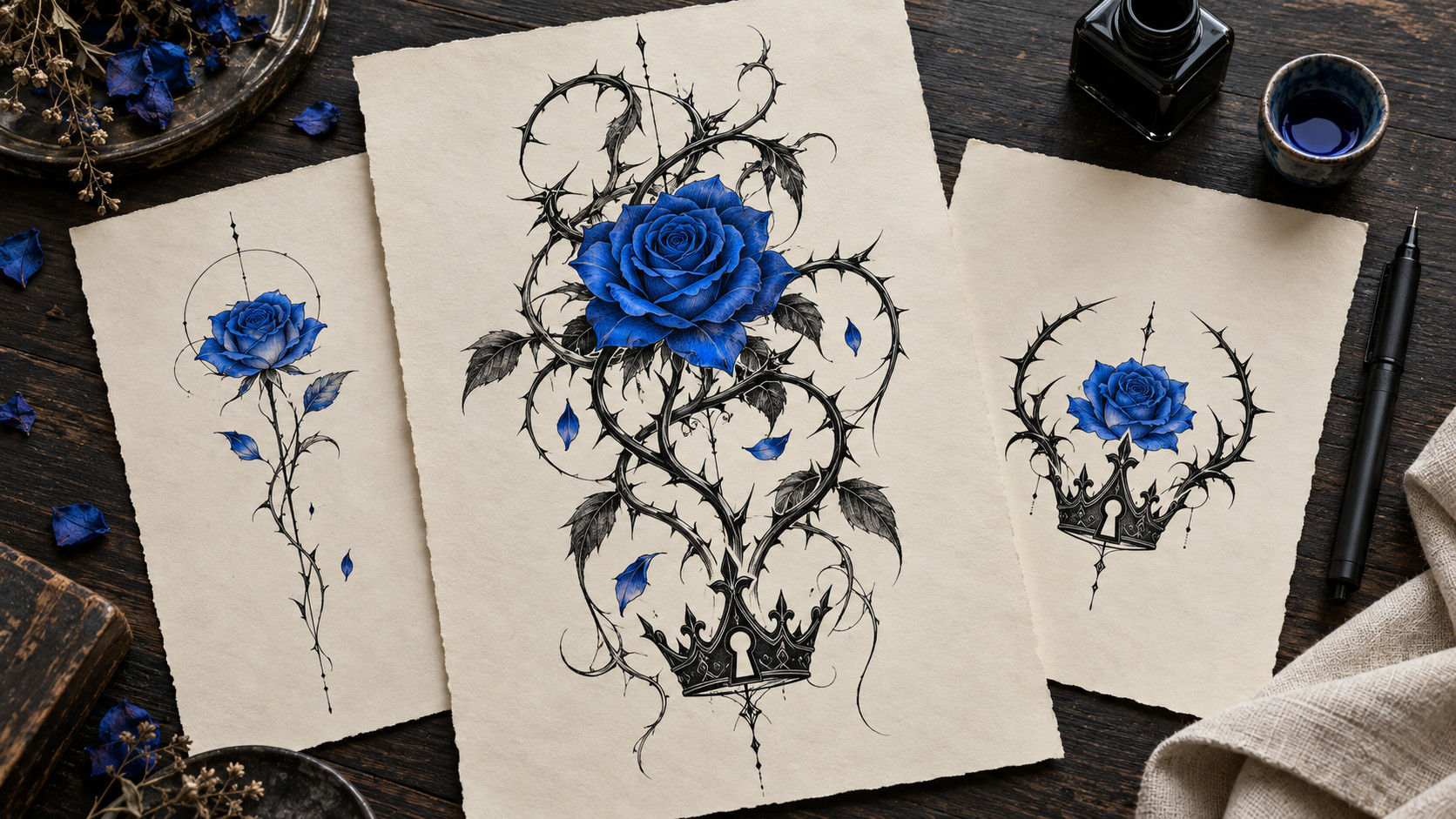
An example helps you point to the blue shade, rose shape, thorn density and crown details you like. Your artist can redraw the composition for the chosen body area and line width.
DETAILS WORTH THINKING ABOUT
Petal shape and blue intensity set the first impression. View the flower at the size you actually plan to wear.
Long black vines add movement. Leave enough open space so the stem does not merge into a solid block over time.
Blue pigments and fine details can age differently on skin. Ask an experienced artist about ink, placement and aftercare.
KAISER TATTOO GENERATOR FAQ
This page explores the blue-rose and thorn-vine motif associated with Michael Kaiser from Blue Lock. The examples are independent fan-inspired concepts, not official Blue Lock artwork or merchandise.
Choose from blue rose and thorns, fine-line rose, thorn blackwork, crown and keyhole, or blue watercolor. Select a style and describe the detail you would change.
Yes. Treat it as a conversation starter. A tattoo artist should adapt the linework, blue ink, proportions and placement for a real tattoo.
Test how the rose and vine sit on the intended body area. A temporary stencil can reveal whether the flower, crown and keyhole remain readable at the final size.
MAKE YOUR KAISER TATTOO YOURS
Choose a style, add a personal detail and create a design starting point to refine with your tattoo artist.
Explore Kaiser designsCompare a related direction, explore the placement, or prepare a clearer brief for your artist.